
How to Measure Screen Gain on a Portable Projection Screen: Step‑by‑Step Guide for Accurate, DIY Results
Introduction
Screen gain determines how much light a projection surface reflects compared with a reference white board. Understanding gain enables one to select the optimal screen for a given projector, ambient light level, and viewing environment. This guide explains the physics behind gain, provides a reliable DIY measurement method, and recommends affordable tools that simplify each phase of the process. By the end of the article, readers will be able to obtain repeatable gain values for any portable screen, interpret the results, and make informed purchasing decisions.
What You'll Need
- A stable, low‑glare projection surface (the screen you wish to test).
- A calibrated light source – a LED panel or a high‑lumens projector set to full white.
- A handheld lux meter or a smartphone light‑meter app calibrated against a known reference.
- Measuring tape or ruler.
- Masking tape to define the measurement area.
- Optional: Mdbebbron 120'' Foldable Projector Screen – ideal for large‑area tests.
- Optional: Elite Screens Manual B 100'' Projector Screen – provides a stable, fixed‑height surface.
- Optional: Excelimage 50'' Portable Projector Screen – perfect for on‑the‑go measurements.
Step‑by‑Step Instructions
Step 1: Prepare the Screen and Measurement Area
Begin by mounting the screen on a flat wall or a sturdy stand. Ensure the surface is free of dust, wrinkles, or shadows. For portable screens, use the built‑in tension frame to achieve a taut surface. The Mdbebbron 120'' Foldable Projector Screen is especially useful here because its anti‑crease polyester fabric remains smooth when folded, providing a reliable testing plane even after transport. Its lightweight, foldable design allows you to set up a large test area in minutes, and the 4.5‑star rating (35,460 reviews) confirms user satisfaction.
Step 2: Set Up a Controlled Light Source
Place the calibrated LED panel or projector at a fixed distance (typically 2‑3 meters) directly in front of the screen, centered horizontally. The light source should emit a uniform white field covering the entire test area. If you are using a projector, set it to its maximum brightness and select the “white” test pattern. The Elite Screens Manual B 100'' Projector Screen can serve as a reference screen; its MaxWhite material is designed for 2‑8K content and offers a 1.1 gain, making it an excellent baseline for comparison. The screen’s 4.6‑star rating (4,533 reviews) reflects its consistent performance in professional environments.
Step 3: Measure Incident Light (Reference)
Using the lux meter, measure the illuminance directly on the light source’s output plane, not on the screen. Position the sensor at the exact spot where the screen will be located, ensuring the meter faces the light source perpendicularly. Record this value as Li. For higher accuracy, take three readings and calculate the average. The meter should be calibrated before use; many smartphone apps allow a quick calibration against a known lux value.
Step 4: Measure Reflected Light from the Screen
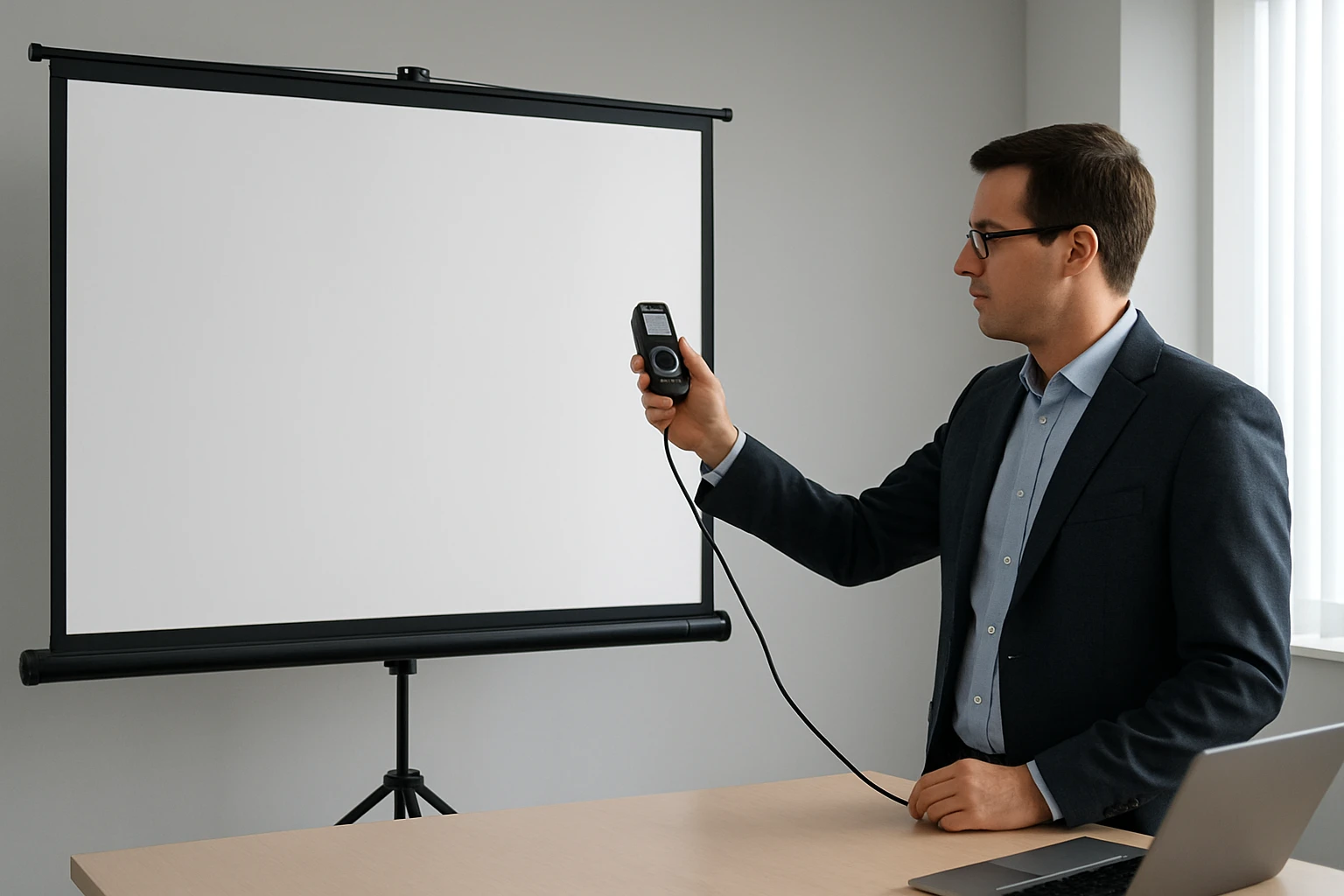
Now place the lux meter on the screen surface, again perpendicular to the screen plane, and record the reflected illuminance as Lr. To avoid edge effects, position the sensor at the center of the screen and use masking tape to create a 10 cm × 10 cm measurement window. If you are testing a portable screen, the Excelimage 50'' Portable Projector Screen offers a stable tension frame that keeps the surface flat, reducing measurement error. Its high‑gain fiberglass surface provides a clear, wrinkle‑free image, and the 4.5‑star rating (378 reviews) indicates reliable build quality.
Step 5: Calculate Screen Gain
Screen gain is the ratio of reflected to incident light: Gain = Lr / Li. For example, if Li = 500 lux and Lr = 650 lux, the gain equals 1.30. Record the result and repeat the measurement at least two more times to confirm consistency. Document the ambient temperature and projector settings, as both can influence the outcome.
Step 6: Record, Compare, and Interpret
Compile the measured gain values in a simple table. Compare your results with the manufacturer’s stated gain (if available). A gain close to 1.0 indicates a neutral, matte surface suitable for bright rooms, while a gain above 1.2 suggests a reflective surface ideal for low‑light environments. If the measured gain deviates significantly from the advertised value, consider factors such as surface contamination, improper tension, or inaccurate lux meter calibration.
Tips & Pro Tips
- Perform measurements in a darkened room to minimize stray light.
- Allow the projector or LED panel to warm up for at least five minutes before testing.
- Use a tripod or stable mount for the lux meter to ensure repeatable positioning.
- When testing multiple screens, keep the light source distance constant to avoid scaling errors.
- For precise work, consider purchasing a dedicated photometer; many models cost under $50 and provide higher resolution than smartphone apps.
Troubleshooting
Problem: Inconsistent readings between trials.
Solution: Verify that the lux meter sensor is clean and that the screen surface is free of fingerprints. Re‑calibrate the meter if necessary.
Problem: Measured gain is unusually high (greater than 2.0).
Solution: Check for specular reflections from nearby shiny objects; cover walls with matte black fabric to absorb stray light.
Conclusion
Measuring screen gain does not require expensive laboratory equipment; a calibrated light source, a reliable lux meter, and a well‑prepared screen are sufficient. By following the six steps outlined above, one can obtain accurate, repeatable gain values for any portable projection screen. Armed with this data, readers can select screens that match their projector brightness and room lighting, ensuring optimal image quality in home theaters, classrooms, or outdoor venues.
Products Mentioned in This Guide
Frequently Asked Questions
What is screen gain and why does it matter for a portable projection screen?
Screen gain is the ratio of light reflected by the screen to light reflected by a standard white board, affecting brightness and viewing angles.
Which tools are essential for measuring screen gain at home?
You need a calibrated light source, a handheld lux meter or calibrated smartphone app, a measuring tape, and masking tape to define the test area.
How do I set up the measurement area to ensure accurate gain results?
Place the screen on a flat surface, mask a 1‑meter square area with tape, and position the light source and lux meter at a fixed distance and angle, typically 0° or 10° off‑axis.
What is the step‑by‑step process for calculating screen gain?
Measure the lux on the reference white board, then measure the lux on the screen area under identical lighting, and divide the screen reading by the reference reading.
Can I use a smartphone light‑meter app instead of a handheld lux meter?
Yes, if the app is calibrated against a known reference, it can provide sufficient accuracy for DIY screen gain measurements.

