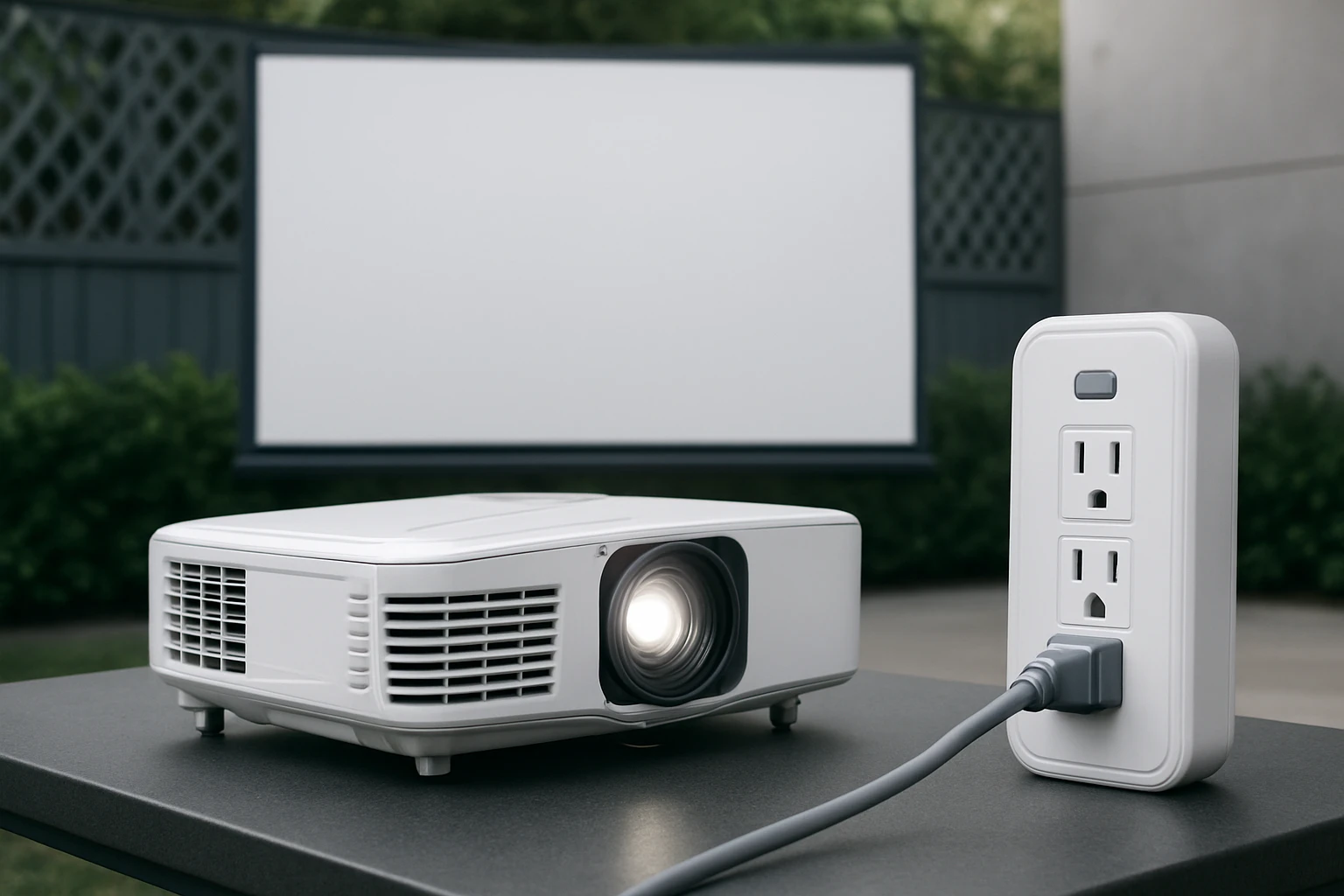
How to Protect Your Outdoor Projector from Power Surges: Essential Power Safety, Best Surge Protectors & Installation Guide
Introduction
Outdoor projectors deliver high‑definition entertainment in open‑air environments, yet they are exposed to unpredictable electrical conditions. This guide explains how to safeguard a projector from power surges, brownouts, and outages while maintaining optimal performance. Readers will learn how to assess their power source, select appropriate surge‑protective devices, and install a reliable protection system step by step. By following these instructions, one can prolong equipment life, avoid costly repairs, and enjoy uninterrupted viewing.
What You’ll Need
- Uninterruptible Power Supply (UPS) for critical equipment
- Surge protector power strip suitable for outdoor or semi‑outdoor use
- Heavy‑duty extension cord if the projector is distant from a wall outlet
- Cable management clips or Velcro straps
- Basic tools: screwdriver, wire cutters, and a voltage tester
Recommended products are listed in the Products Mentioned in This Guide section.
Step 1: Assess the Power Environment
Begin by measuring the voltage stability of the outdoor outlet using a portable voltage tester. Record any fluctuations, spikes, or frequent brownouts that occur during weather changes. Understanding the baseline conditions determines whether a simple surge protector is sufficient or whether a UPS is required for continuous operation.
If the outlet supplies stable 120 V with occasional minor spikes, a high‑quality surge protector will provide adequate protection. However, if the location experiences frequent outages or voltage dips below 110 V, a UPS will maintain power long enough to shut down the projector safely.
Step 2: Choose the Appropriate Surge Protection
For most outdoor home‑theater setups, a surge protector with a high joule rating and multiple outlets is advisable. The Mifaso Surge Protector offers 900 joules of protection, six AC outlets, and four USB ports, making it suitable for powering the projector, audio receiver, and auxiliary devices from a single strip.
Key features include a 5‑foot heavy‑duty braided cord, a right‑angle plug that fits tight spaces, and an integrated 15‑amp circuit breaker that prevents overload. At $24.99 and a 4.8‑star rating from 19,829 reviews, it provides excellent value for outdoor installations where space is limited.
For installations that require a larger number of outlets, the Belkin 12‑Outlet Surge Protector delivers 3,940 joules of protection, an 8‑foot cord, and widely spaced outlets that accommodate bulky power adapters. Priced at $28.99 with a 4.7‑star rating, it is ideal for professional‑grade outdoor theater rigs that include multiple media players, lighting, and network equipment.
Step 3: Install a UPS for Critical Equipment
Even with a surge protector, a sudden outage can cause the projector to lose power abruptly, potentially damaging internal circuitry. The APC 600VA UPS supplies 330 W of continuous power and provides approximately 23 minutes of runtime at a 100 W load, enough to power down the projector gracefully.
Features such as seven protected outlets, a built‑in USB charging port, and easy battery replacement make the APC unit a versatile backup solution for both the projector and its networking equipment. At $83.99 and a 4.5‑star rating from 28,767 reviews, it balances cost and reliability for home‑office‑style outdoor setups.
Connect the UPS to a grounded wall outlet, then plug the surge protector into the UPS. This cascade ensures that any surge first passes through the UPS’s internal filtering before reaching the strip, providing layered defense.
Step 4: Connect the Projector and Accessories
Plug the projector’s power cord into one of the UPS‑protected outlets that offer battery backup. Use a heavy‑duty extension cord if the projector is positioned far from the UPS; the CRST Heavy Duty Power Strip includes a 15‑foot cord that can serve as a robust extension while also providing additional surge protection.
The CRST strip delivers 2,800 joules of protection, a metal housing for durability, and an integrated cord holder for neat storage. Priced at $28.98 with a 4.8‑star rating, it is suitable for workshops, outdoor events, or any scenario where the power source is distant.
After the projector, connect audio receivers, streaming boxes, and lighting to the remaining outlets on the surge protector. Ensure that high‑draw devices such as amplifiers are placed on outlets labeled “battery backup” to benefit from UPS protection, while low‑draw accessories can occupy standard surge‑only outlets.
Step 5: Secure, Test, and Verify Protection
Mount the UPS and surge protector on a stable surface or wall mount using the built‑in mounting holes. Use cable management clips to bundle cords, preventing tripping hazards and exposure to moisture.
Power on the system and verify that the UPS indicator lights show “Normal” and that the surge protector’s safety light is illuminated. Perform a simulated power interruption by unplugging the wall outlet; the UPS should switch to battery power, and the projector should remain on for a few seconds before shutting down gracefully.
Record the runtime and ensure that all devices continue to operate without flicker. If any device fails to stay powered, re‑evaluate the load distribution and consider moving high‑draw equipment to a dedicated UPS outlet.
Tips & Pro Tips
- Place the UPS in a shaded, well‑ventilated area to prevent overheating, especially during summer evenings.
- Use outdoor‑rated extension cords with proper IP ratings if the cord will be exposed to rain or humidity.
- Periodically test the UPS battery by performing a short discharge; replace the battery after three to five years of use.
- Label each outlet on the surge strip to identify which devices have battery backup versus surge‑only protection.
- Consider adding a whole‑house surge protector at the main breaker panel for comprehensive protection.
Troubleshooting
Problem: UPS does not switch to battery power during an outage.
Solution: Verify that the UPS is plugged into a properly grounded outlet and that the battery is fully charged. Reset the UPS by pressing the power button, then perform another test.
Problem: Devices repeatedly trip the surge protector’s circuit breaker.
Solution: Reduce the load on the strip by moving high‑wattage appliances to the UPS or a separate heavy‑duty strip. Ensure the total draw does not exceed the strip’s 15‑amp rating.
Conclusion
Protecting an outdoor projector from power surges requires a systematic approach that combines assessment, appropriate surge protection, and backup power. By following the steps outlined above, one can create a resilient power chain that guards against spikes, brownouts, and sudden outages. Implementing these measures will extend the lifespan of the projector, maintain image quality, and provide peace of mind during every outdoor screening.
Products Mentioned in This Guide
Frequently Asked Questions
What kind of surge protector is recommended for an outdoor projector?
Use a UL‑listed, weather‑rated surge protector with a joule rating of at least 2000 J and built‑in clamping voltage for outdoor or semi‑outdoor use.
How does an uninterruptible power supply (UPS) protect my outdoor projector?
A UPS provides battery backup during outages and smooths voltage fluctuations, preventing sudden shutdowns and damage from brownouts or spikes.
Can I use a standard indoor surge protector for my outdoor projector?
No; indoor units lack weather‑proofing and may not meet the higher surge‑current demands of outdoor setups.
What wiring practices help prevent power surges to an outdoor projector?
Run heavy‑duty, outdoor‑rated extension cords, secure connections with cable clips, and use a voltage tester to verify proper grounding before plugging in equipment.
How often should I replace the surge protector for an outdoor projector?
Replace it every 2–3 years or sooner if the indicator light shows a fault, as surge protection components degrade after repeated spikes.