How to Get Neighbors' Permission for a Backyard Movie Night: Free Letter Template & Step‑by‑Step Guide
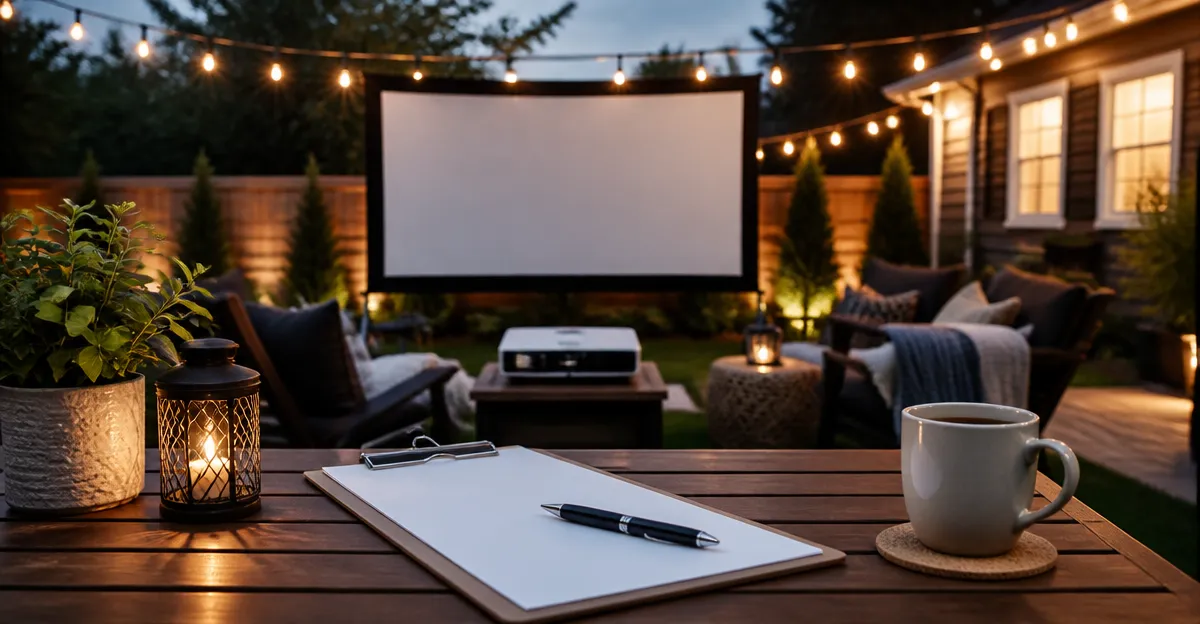
One often imagines a warm evening, a projector casting a classic film onto a backyard fence, and friends gathering under the stars. Yet, without neighbor consent, that idyllic scene can quickly become a source of conflict. This guide explains precisely how to obtain permission, provides a ready‑to‑use letter template, and suggests reliable equipment to ensure a smooth experience. By following these steps, readers will create a respectful plan that balances enjoyment with community harmony.
What You Will Learn
The reader will learn how to identify the appropriate neighbors, draft a courteous request, deliver the invitation, and prepare the technical setup. Additionally, the guide highlights best practices for timing, volume control, and post‑event cleanup. Each section includes actionable advice, so readers can move from planning to execution without uncertainty. The result is a well‑organized backyard movie night that neighbours appreciate rather than resent.
What You’ll Need
- Paper or digital template for the permission letter
- Envelope and postage (if mailing)
- Portable projector (optional but recommended for high‑quality viewing)
- Extension cords and power source
- Outdoor speakers or built‑in projector audio
- Screen or white sheet
- Seating and blankets
Below are projector options that can serve as reliable visual tools for the event. Each product is linked to its Amazon page for convenience.
Step 1: Identify the Affected Neighbours
The first actionable step is to map out which households share a view of the projected area. One should walk the perimeter of the intended viewing zone, noting any homes within a 30‑meter radius. This list typically includes front‑yard neighbours, adjacent backyards, and any street‑facing residences. By documenting addresses, the organizer can personalize each letter, demonstrating genuine consideration for individual concerns.
Step 2: Draft a Polite Permission Letter
Using the free template provided later, the organizer should include the event date, start and end times, expected sound level, and any mitigation measures such as volume limits or a quiet‑down period. It is essential to express gratitude for the neighbour’s time and to offer contact information for questions. A well‑written letter builds trust and reduces the likelihood of a negative response.
Step 3: Choose the Right Projector
While the letter secures approval, the visual experience depends on reliable equipment. For outdoor settings with ambient light, the ONO5Pro 2.0 Movie Projector offers 3500 lumens brightness and dual 60 W Dolby Audio, ensuring clear images and robust sound without external speakers. Priced at $296.95 with a 4.6‑star rating, it balances performance and cost, making it suitable for most backyard venues.
If the budget is tighter, the YGSKK Mini Projector provides 1080p native resolution, Wi‑Fi 6, and Bluetooth 5.3 for wireless streaming, at $196.95 and a 4.5‑star rating. Although its 300 ANSI lumens are lower, it remains effective for evening screenings when ambient light is minimal.
For those who prefer a plug‑and‑play solution with built‑in streaming apps, the Aurzen Roku Portable Projector integrates Roku TV, allowing direct access to Netflix, Prime Video, and over 500 live channels. At $149.98 and a 4.7‑star rating, it simplifies setup, though its brightness is best suited for darker environments.
Each projector includes Wi‑Fi and Bluetooth, enabling seamless connection to smartphones or external speakers if additional audio power is required. Selecting the appropriate device depends on the size of the audience, lighting conditions, and desired sound quality.
Step 4: Prepare the Technical Setup
After selecting a projector, the organizer should test the device in the intended location at least two days before the event. Position the projector on a stable surface or tripod, connect to a power source using an extension cord, and pair any Bluetooth speakers if the built‑in audio is insufficient. Adjust the focus and keystone settings; modern models such as the ONO5Pro feature AI auto‑focus that aligns the image within three seconds, reducing manual effort.
Next, set up a simple screen using a white sheet or portable projection screen, ensuring it is taut to avoid distortion. Verify that the projected image fills the desired area without overspill onto neighbouring properties, as this could cause complaints about light intrusion.
Step 5: Deliver the Permission Letter
Deliver the letters either in person, via mail, or as a digital PDF attached to an email, depending on neighbour preferences identified during Step 1. Hand‑delivered letters allow immediate clarification of any concerns, while mailed letters provide a formal record. If using email, attach the template as a PDF and include a brief introductory message.
Give neighbours at least one week to respond, and be prepared to adjust the event schedule based on feedback. Offering a compromise, such as moving the start time earlier or lowering the volume after a certain hour, demonstrates flexibility and can turn a tentative response into a positive one.
Step 6: Host the Event Respectfully
On the night of the movie, arrive early to finalize the setup, test audio levels, and ensure that the area is tidy. Keep the volume at a level that is audible for the audience but does not disturb nearby homes; the ONO5Pro’s AI sound balancing can automatically reduce peaks. Provide neighbours with a contact number in case they experience unexpected noise.
After the film concludes, power down equipment promptly, collect all cables, and remove any temporary seating or decorations. A quick cleanup reinforces goodwill and makes future permission requests easier.
Tips & Pro Tips
- Schedule the movie to start after sunset; darkness enhances image quality and reduces light spill.
- Use a portable battery pack compatible with the projector’s USB‑C PD input for flexibility when outlet access is limited.
- Offer neighbours complimentary popcorn or a beverage as a friendly gesture.
- Set a timer on the projector to automatically shut off after the scheduled end time.
- If the neighbourhood has strict noise ordinances, consider using a sound‑absorbing backdrop behind the screen.
Troubleshooting
| Problem | Solution |
|---|---|
| Image is blurry or out of focus | Use the projector’s AI auto‑focus feature or manually adjust the lens until the picture is sharp. |
| Audio is too loud for neighbours | Reduce the volume on the projector or enable the AI sound balancing mode to limit peaks. |
| Wi‑Fi connection drops | Ensure the projector is within range of the router; consider using a Wi‑Fi extender or a wired Ethernet adapter if supported. |
Conclusion
By following this structured approach—identifying neighbours, drafting a courteous letter, selecting suitable equipment, and respecting community guidelines—one can host a memorable backyard movie night without friction. The free letter template simplifies communication, while the recommended projectors guarantee a high‑quality visual experience. With preparation and respect, the organizer builds lasting goodwill and paves the way for future neighborhood gatherings.
Free Letter Template
[Your Name]
[Your Address]
[City, State ZIP]
[Date]

Dear [Neighbour’s Name],

I hope this message finds you well. I am planning to host a backyard movie night on [Date] from [Start Time] to [End Time] at my residence, located at the address above. The event will feature a family‑friendly film projected onto a screen in my yard.

To ensure minimal disturbance, I will keep the volume at a moderate level and will lower it after [Time] in accordance with local noise regulations. I will also position the screen so that the light does not shine onto your property.

Your permission to proceed with this gathering would be greatly appreciated. If you have any concerns or suggestions, please feel free to contact me at [Phone Number] or [Email Address].

Thank you for your time and consideration.

Sincerely,
[Your Name]
Products Mentioned in This Guide
Frequently Asked Questions
How do I identify which neighbors need to give permission for a backyard movie night?
Check property lines and talk to anyone within a 50‑foot radius or whose windows face the screen, as they are most likely affected.
What should I include in a permission‑request letter for a backyard movie?
Briefly describe the event date, time, expected noise level, invite neighbors to attend, and offer contact info for any concerns.
Is a digital letter as effective as a paper one when asking neighbors for consent?
Yes, an email or messenger note works if it’s clear and polite, but a printed copy can be hand‑delivered for a personal touch.
How can I keep noise levels neighbor‑friendly during the movie?
Use a sound‑bar or external speakers set no louder than 60 dB, and end the film by 10 pm to respect quiet hours.
What cleanup steps should I take after the backyard movie to maintain good neighbor relations?
Collect all trash, store equipment safely, and sweep the area; a quick thank‑you note afterward also helps.