
How to Build the Ultimate One‑Person Apartment Movie Kit for Under $300
Introduction
One‑person apartments often lack dedicated home‑theater space, yet modern streaming services demand immersive audio and visual experiences. This guide explains how to assemble a high‑performance movie kit that fits a modest budget, maximizes limited floor area, and delivers cinematic quality without sacrificing comfort. Readers will learn which components are essential, how to configure them for optimal performance, and practical tips to avoid common pitfalls. By the end of the article, one will possess a portable, adaptable setup that rivals larger living‑room systems.
What You'll Need
- Compact sound solution – ULTIMEA Poseidon M60 Soundbar
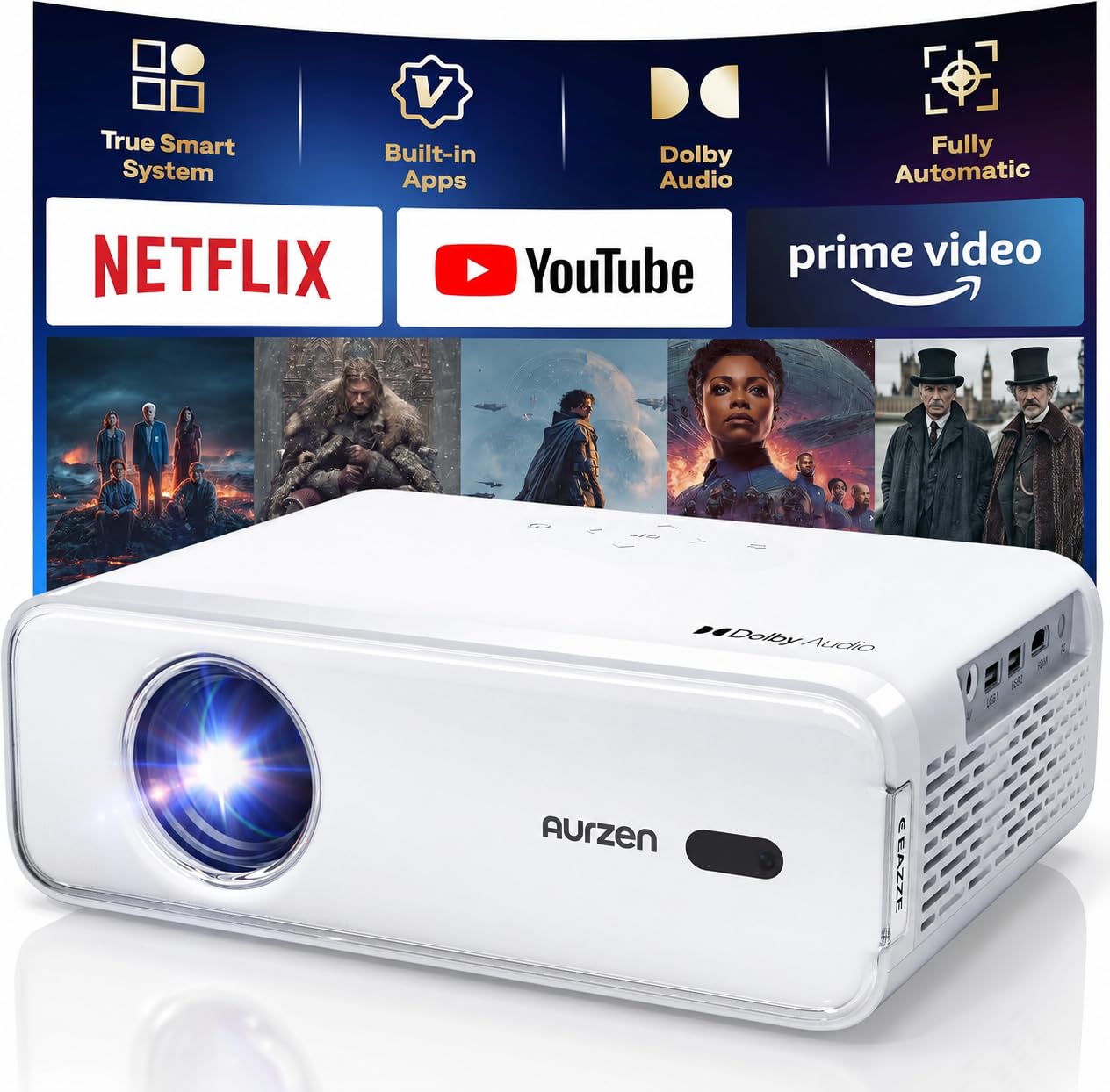
- Primary visual device – Aurzen EAZZE D1 Smart Projector
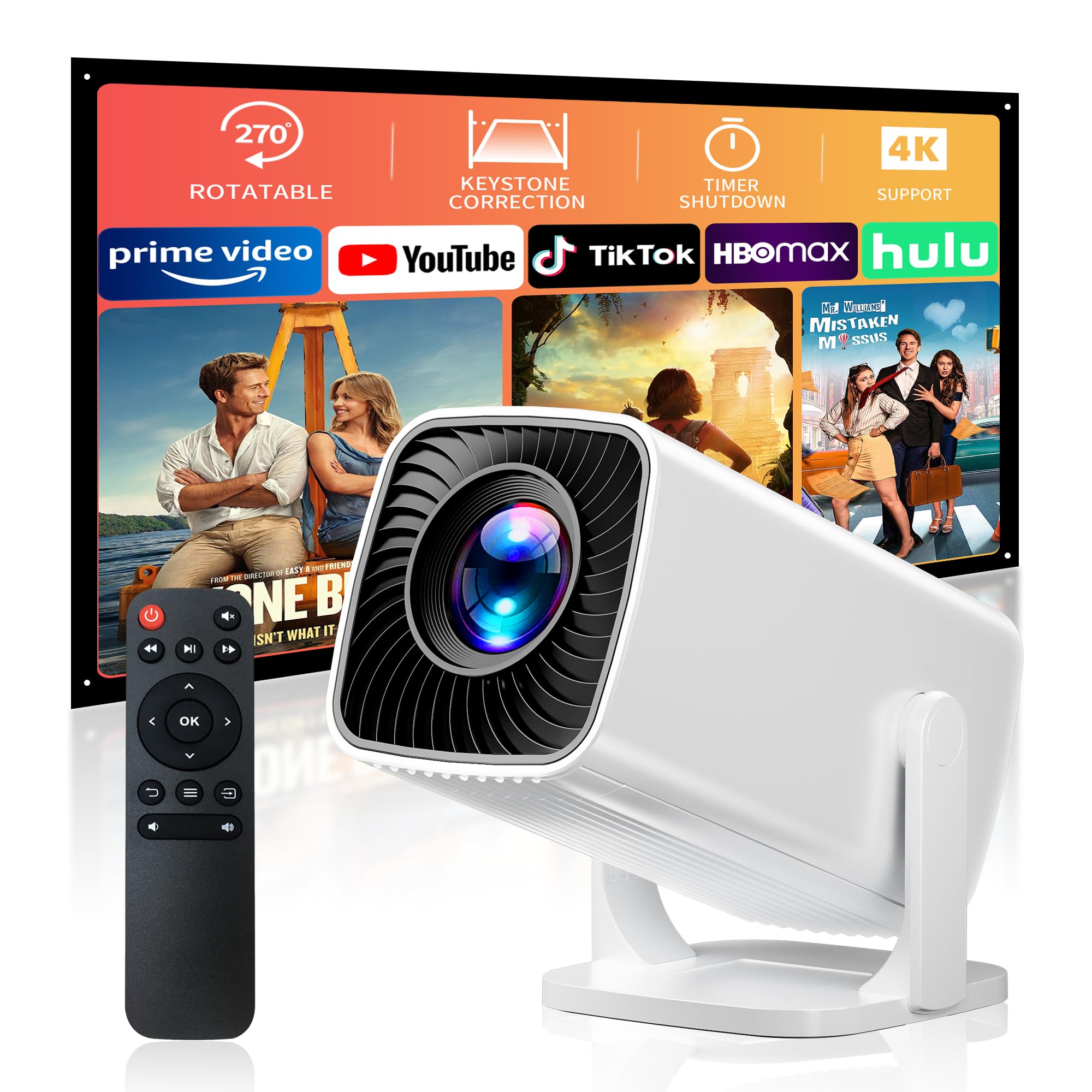
- Backup visual option for tight spaces – Sainyer 4K Mini Projector
- Projection screen or blank wall, HDMI cable, power strip, and optional blackout curtains.
Step‑by‑Step Instructions
1. Assess Your Space and Lighting
Begin by measuring the available wall or ceiling area where the image will be projected. A distance of 1.5–2.5 meters from the projector to the screen typically yields a 100‑inch diagonal image without distortion. Next, evaluate ambient light; daytime viewing benefits from blackout curtains or a dark‑colored wall, while evening sessions rely on the projector's built‑in brightness. Adjusting lighting early prevents later re‑configuration and ensures consistent picture quality.
2. Choose the Primary Projection Device
For a balance of image quality, built‑in smart features, and price, select the Aurzen EAZZE D1 Smart Projector. Priced at $139.99, it offers native 1080p resolution, HDR10 support, and a built‑in smart TV operating system that streams Netflix, Prime Video, and YouTube without an external stick. The device also provides auto‑focus, auto‑keystone correction, and a 50‑100% zoom range, simplifying setup in a cramped apartment. Its dual‑band Wi‑Fi and Bluetooth 5.1 connectivity enable seamless streaming from phones or laptops, while the 2×8 W speakers deliver adequate audio for casual viewing.
Why this projector? Its integrated OS eliminates the need for additional hardware, reducing clutter and cost. The auto‑focus and keystone features guarantee a straight image even when the projector sits on a nightstand rather than a ceiling mount. Compared with a basic LED pico‑projector, the D1 offers higher brightness, HDR support, and a more robust app ecosystem, making it a superior primary visual tool.
3. Set Up a Portable Projection Surface
If a permanent screen is impractical, use a matte white sheet or a low‑cost foam board painted with flat white paint. Secure the surface with painter's tape to avoid wrinkles that could cause ghosting. Position the sheet at the measured distance, ensuring the projector's lens aligns with the center of the image. For apartments with bright windows, hang a blackout curtain behind the screen to improve contrast.
4. Connect Audio – Adding the ULTIMEA Poseidon M60 Soundbar
While the Aurzen projector includes speakers, true cinematic immersion benefits from a dedicated sound system. The ULTIMEA Poseidon M60 Soundbar provides a 5.1‑channel Dolby Atmos experience with a separate wooden subwoofer, delivering up to 300 W peak power. Its VoiceMX technology isolates dialogue, ensuring that spoken lines remain clear even during action‑heavy scenes. The soundbar connects via HDMI eARC for lossless audio, or alternatively through Bluetooth 5.4 for wireless playback from the projector.
Key specifications include a frequency response of 45 Hz–18 kHz, a maximum SPL of 99 dB, and a latency of less than 0.5 ms, which prevents lip‑sync issues. The included app offers a 10‑band graphic EQ and 121 presets, allowing one to tailor the sound to the apartment's acoustics. Compared with generic Bluetooth speakers, the Poseidon M60 delivers true surround separation, richer bass, and a more controlled soundstage.
5. Wire the System
Run an HDMI cable from the projector's HDMI output to the soundbar's HDMI eARC input. If the projector lacks an HDMI ARC port, use an optical audio adapter or the soundbar's Bluetooth function. Connect the projector to power, and plug the soundbar and subwoofer into a surge‑protected power strip to avoid overloads. Organize cables with Velcro ties to keep the area tidy and prevent tripping hazards.
6. Calibrate Audio and Video Settings
Open the soundbar's app and select a preset that matches the content type—e.g., “Movie” for films, “Music” for background playlists. Adjust the 10‑band EQ if the apartment has hard floors that reflect bass. On the projector, enable HDR10 mode for compatible titles, and set the picture mode to “Cinema” for balanced colors. Use the auto‑keystone feature to correct any tilt caused by the projector's placement on a shelf.
7. Optimize Seating and Viewing Angle
Place a comfortable lounge chair or a compact futon at a distance that allows the entire screen to be visible without turning the head. The ideal viewing distance for a 100‑inch screen is roughly 2.5–3 meters, but a smaller space can still enjoy a 70‑inch image without eye strain. Ensure the speaker's left and right channels are positioned at ear level for accurate stereo imaging.
8. Add a Backup Visual Device – Sainyer 4K Mini Projector
If the primary projector must be stored away or if you desire a truly portable option for outdoor balcony viewing, consider the Sainyer 4K Mini Projector. Although it lacks built‑in smart apps, it supports 1080p input and 4K compatibility, making it suitable for laptop or phone streaming via HDMI or USB. Its 270° rotatable stand enables ceiling projection, perfect for late‑night movie sessions without occupying floor space.
The mini projector includes electric focus and keystone correction, reducing setup time to under a minute. Its short‑throw capability can fill a 200‑inch screen from a short distance, which is advantageous in small rooms. Use it as a secondary device when you need a lightweight solution for travel or impromptu gatherings.
Tips & Pro Tips
- Cable Management: Use short HDMI cables to reduce clutter and prevent signal degradation.
- Sound Placement: Position the subwoofer slightly away from walls to avoid excessive bass boom.
- Screen Enhancement: Apply a thin layer of anti‑glare spray to the projection surface for brighter daytime viewing.
- Power Efficiency: Enable the projector's eco‑mode when watching content with lower brightness requirements.
- Future Expansion: Keep an extra HDMI port free for a streaming stick or gaming console, should you wish to expand later.
Troubleshooting
| Problem | Possible Cause | Solution |
|---|---|---|
| No picture | Incorrect HDMI input selection | Switch the projector's source to the HDMI port connected to the soundbar. |
| Audio out of sync | Latency in Bluetooth connection | Use HDMI eARC instead of Bluetooth for audio. |
| Blurred image | Improper focus or keystone | Activate auto‑focus and adjust keystone via the projector menu. |
| Low bass response | Subwoofer placement | Move the subwoofer to a corner or slightly away from walls. |
Conclusion
Creating a cinematic environment in a one‑person apartment is achievable without exceeding a $300 budget. By selecting the Aurzen EAZZE D1 Smart Projector for its integrated streaming capabilities, pairing it with the ULTIMEA Poseidon M60 Soundbar for true surround sound, and keeping the Sainyer 4K Mini Projector as a portable backup, one gains flexibility, quality, and future‑proofing. Follow the step‑by‑step instructions, apply the calibration tips, and enjoy a personalized movie experience that rivals larger home‑theater systems.
Products Mentioned in This Guide
ULTIMEA Poseidon M60 Soundbar
Rating: 4.5/5.0 (2,028 reviews)
Features: 5.1‑channel Dolby Atmos, 300 W output, VoiceMX dialogue enhancement, HDMI eARC, Bluetooth 5.4, 10‑band EQ via app.
Aurzen EAZZE D1 Smart Projector
Price: $139.99
Features: Built‑in smart TV OS, 1080p native, HDR10, auto‑focus, auto‑keystone, 50‑100% zoom, dual‑band Wi‑Fi, Bluetooth 5.1, 2×8 W speakers.
Sainyer 4K Mini Projector
Rating: 4.2/5.0 (137 reviews)
Features: 270° rotatable stand, electric focus & keystone, short‑throw up to 200", 1080p support, 4K compatible, HDMI/USB/AUX inputs.
Frequently Asked Questions
What compact sound solution is recommended for a one‑person apartment movie kit under $300?
The ULTIMEA Poseidon M60 Soundbar provides strong audio performance in a small footprint at a budget‑friendly price.
Why choose the Aurzen EAZZE D1 Smart Projector for a small living space?
It delivers bright 1080p images with built‑in streaming apps, making it ideal for limited floor area without a separate TV.
When is the Sainyer 4K Mini Projector a better visual option than the main projector?
Use it in ultra‑tight rooms or for portable setups where space constraints prevent the larger projector from fitting.
How should I position the soundbar to maximize audio quality in a one‑person apartment?
Place the soundbar at ear level, angled toward the listening spot, and use nearby walls to reflect sound for fuller coverage.
What common mistakes should I avoid when building a budget movie kit?
Avoid unnecessary accessories, ensure proper projector ventilation, and match projector brightness to your room’s ambient light to prevent poor image quality.