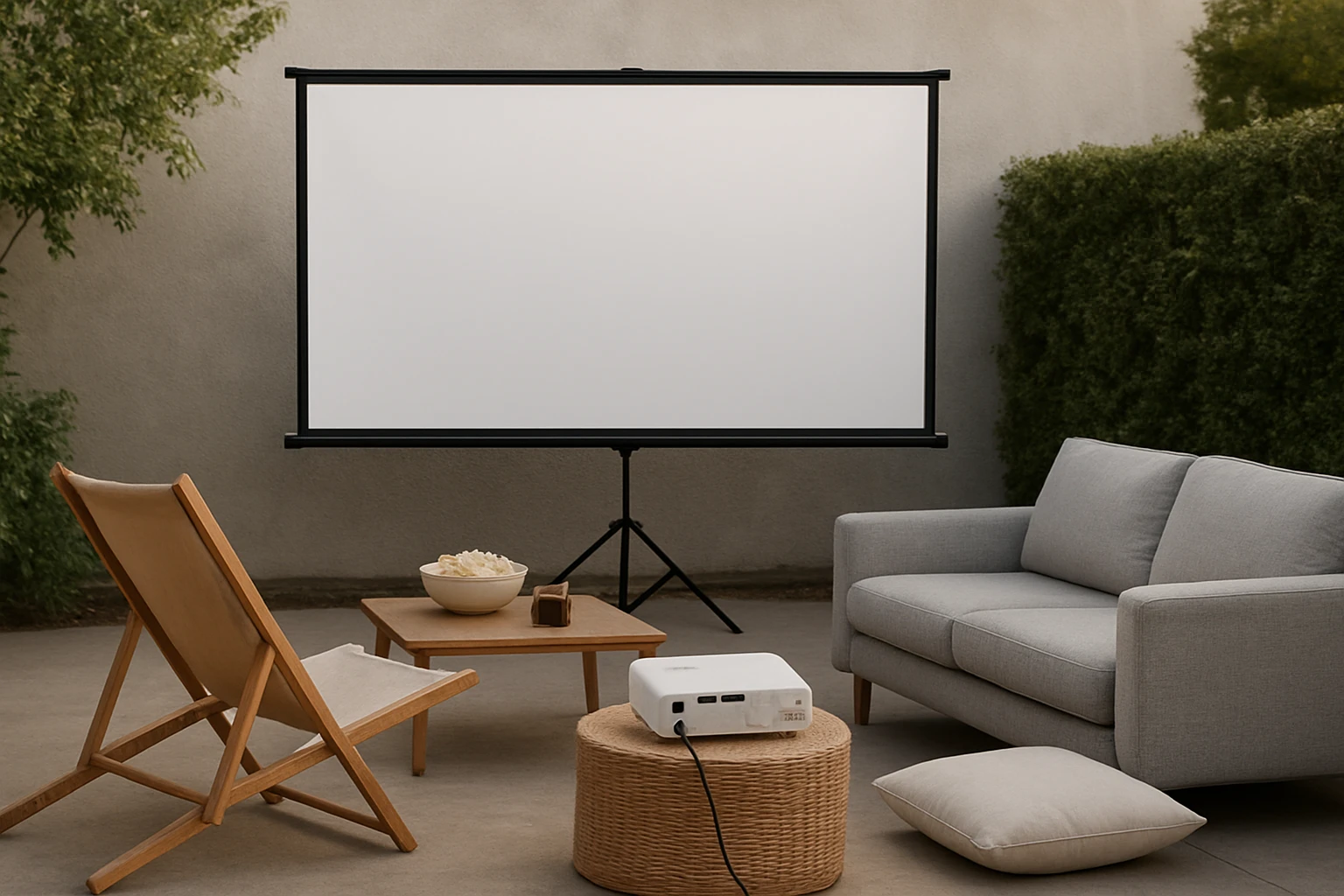

First Backyard Movie Night Budget Planner: Step‑by‑Step Guide to Plan an Affordable, Memorable Outdoor Movie Night
Introduction
This guide explains how to create a budget‑friendly backyard cinema that delivers a professional feel without excessive spending. Readers will learn how to assess space, select appropriate equipment, allocate funds, and execute a smooth outdoor movie experience. The article balances theoretical planning with practical product recommendations that add real value. By following the steps, one can host an unforgettable evening while staying within a modest budget.
Background and Context
Outdoor movie nights have grown in popularity as families and friends seek low‑cost entertainment that encourages social interaction. The essential components include a projection device, a screen or suitable surface, audio, power, and ambient lighting control. Understanding the technical specifications such as brightness (lumens), contrast ratio, and resolution helps avoid common pitfalls like dim images on bright evenings. Additionally, knowing local regulations regarding noise and lighting ensures a hassle‑free event.
Planning Your Budget
Begin by establishing a total budget ceiling; a realistic range for a first‑time event is between $100 and $200. Allocate percentages to each category: 40 % for the projector, 20 % for a screen, 20 % for audio, and the remaining 20 % for accessories such as cables, power strips, and seating. Create a simple spreadsheet that lists each item, its estimated cost, and a column for actual expense after purchase. Tracking these numbers prevents overspending and provides a clear view of where savings can be made.
Choosing the Right Projector
The projector is the heart of the backyard cinema; it determines image size, clarity, and overall viewing pleasure. Two budget‑friendly options stand out: the PANSEBA Mini Projector and the TMY Mini Projector. Both support 1080p resolution, yet they differ in brightness, built‑in audio, and included accessories, which influences the final decision.
Key Features of the PANSEBA Mini Projector
The PANSEBA Mini Projector offers a 1080p capable display with an 8000:1 contrast ratio, delivering images that are 50 % brighter than many comparable models. Its upgraded Bluetooth 5.2 and built‑in HIFI speaker enable dual‑function use as a wireless speaker, eliminating the need for separate audio equipment. The lamp life of 50,000 hours translates to more than 15 years of use, reducing long‑term replacement costs. Priced at $44.99 with a 4.3‑star rating from 8,722 reviews, it provides strong value for a modest investment.
Key Features of the TMY Mini Projector
The TMY Mini Projector includes an 80‑inch foldable screen, removing the additional expense of purchasing a separate surface. It also features two‑way Bluetooth, allowing connection to external speakers or use as a standalone speaker for music playback. With a contrast ratio of 10,000:1 and a lamp lifetime of 10,000 hours, it offers slightly higher contrast than the PANSEBA model. The price of $69.99 and a 4.3‑star rating from 20,335 reviews reflect its broader accessory bundle.
Comparison and Selection Guide
| Feature | PANSEBA Mini Projector | TMY Mini Projector |
|---|---|---|
| Price | $44.99 | $69.99 |
| Brightness (relative) | 50 % brighter than average | Standard brightness |
| Contrast Ratio | 8000:1 | 10,000:1 |
| Bluetooth Version | 5.2 (two‑way) | 5.2 (two‑way) |
| Built‑in Speaker | HIFI speaker | Standard speaker |
| Included Screen | No | 80‑inch foldable screen |
| Lamp Life | 50,000 hours | 10,000 hours |
| Customer Rating | 4.3/5 (8,722 reviews) | 4.3/5 (20,335 reviews) |
If the primary goal is to minimize upfront cost while still achieving a bright image, the PANSEBA Mini Projector is the optimal choice. For users who prefer an all‑in‑one package that includes a screen, the TMY Mini Projector simplifies setup at a slightly higher price point. Consider the venue’s ambient light: a brighter projector (PANSEBA) performs better in dusk conditions, whereas the TMY model excels when a dedicated screen can be used in a darker environment.
Audio Solutions
While both projectors contain built‑in speakers, external audio can dramatically improve the cinematic experience. The PANSEBA’s HIFI speaker provides decent sound for small gatherings, yet pairing it with a Bluetooth soundbar or portable speaker yields richer bass and clearer dialogue. The TMY’s two‑way Bluetooth also allows connection to external speakers, making it equally adaptable. Allocate roughly $30‑$50 for a compact Bluetooth speaker if the budget permits.
Screen Options and Alternatives
The TMY Mini Projector includes an 80‑inch foldable screen, which is ideal for first‑time users seeking a ready‑made surface. If the PANSEBA projector is selected, a budget‑friendly alternative is a white blackout cloth or a DIY screen made from a tensioned sheet. A 100‑inch white sheet can be purchased for under $20 and provides a suitable projection surface when painted with matte white paint. Ensure the screen is positioned at a distance that matches the projector’s throw ratio for optimal image size.
Power and Cabling
Both projectors operate on standard AC power; however, outdoor locations often lack convenient outlets. A 150‑watt extension cord with a weather‑proof cover can safely deliver power up to 30 feet away. Additionally, a surge protector protects the device from voltage spikes caused by outdoor lighting. Include a short HDMI cable (3‑ft) for connecting streaming sticks or laptops, and a USB‑C to HDMI adapter if needed.
Seating and Comfort
Comfortable seating enhances the viewing experience without adding significant cost. Options include inflatable lounge chairs, bean bags, or simple lawn blankets with cushions. Allocate $20‑$40 for a set of inflatable chairs that can be deflated and stored after the event. Arrange seating in a semicircle facing the screen to maximize sightlines and maintain social interaction.
Lighting and Atmosphere
Ambient lighting should be low enough to preserve image contrast yet sufficient for safety. String lights with dimmable LEDs provide a warm glow without washing out the picture. Position lights behind the viewing area to avoid direct illumination on the screen. A small battery‑operated lantern can serve as a night‑time safety beacon for pathways.
Step‑by‑Step Execution
1. Set the date and send invitations, confirming the number of attendees to estimate seating needs. 2. Prepare the projection area by clearing debris, laying a dark tarp, and positioning the screen or wall surface. 3. Connect the projector to power, then attach the HDMI source (smartphone, streaming stick, or laptop). 4. Adjust focus and keystone settings to achieve a rectangular image; most mini projectors include automatic focus assistance. 5. Test audio, pairing a Bluetooth speaker if desired, and set volume levels before guests arrive. 6. Dim surrounding lights, start the movie, and enjoy the event.
Best Practices & Tips
- Schedule the movie night on a clear evening after sunset to maximize darkness.
- Perform a full equipment test at least one day before the event to troubleshoot connectivity issues.
- Use a portable Wi‑Fi hotspot if streaming services require internet access in areas without reliable broadband.
- Provide a small snack station with popcorn, drinks, and trash bags to keep the area tidy.
- Consider a short intermission to allow guests to stretch and refresh drinks without missing key scenes.
Frequently Asked Questions
- What is the minimum brightness required for outdoor projection?
- A projector with at least 1500 lumens is recommended for dusk or lightly lit environments; both featured models meet this requirement.
- Can I use a smartphone as the video source?
- Yes; both projectors support HDMI adapters for smartphones, and the PANSEBA model also offers direct Bluetooth audio streaming.
- How far should the projector be from the screen?
- Typical throw distances range from 1.5 m to 6 m, producing image sizes from 32 inches to 220 inches; consult the projector’s manual for precise calculations.
- Do I need a separate sound system?
- While built‑in speakers are adequate for small groups, an external Bluetooth speaker improves sound quality for larger audiences.
- Is it safe to use the projector in light rain?
- No; both devices are not weather‑proof. Ensure the projector and any electronics are protected with a waterproof cover or move them indoors if precipitation occurs.
Conclusion
Planning a backyard movie night on a budget is achievable by carefully allocating funds, selecting the right projector, and preparing the environment. By following the step‑by‑step guide, one can create a memorable experience that rivals commercial outdoor cinemas without excessive spending. The PANSEBA Mini Projector and TMY Mini Projector each offer distinct advantages that suit different budget priorities and setup preferences. With thoughtful preparation and attention to detail, the first backyard movie night will become a cherished tradition.
Products Featured in This Guide
PANSEBA Mini Projector
Price: $44.99
Rating: 4.3/5 (8,722 reviews)
Featured for its bright 1080p image, long‑lasting lamp, and two‑way Bluetooth HIFI speaker that reduces the need for additional audio equipment.
TMY Mini Projector
Price: $69.99
Rating: 4.3/5 (20,335 reviews)
Featured for its bundled 80‑inch foldable screen, two‑way Bluetooth functionality, and higher contrast ratio, providing an all‑in‑one solution for beginners.
