How to Host a Mosquito‑Free Outdoor Movie Night: Electronics‑Safe Pest Control Tips
Introduction
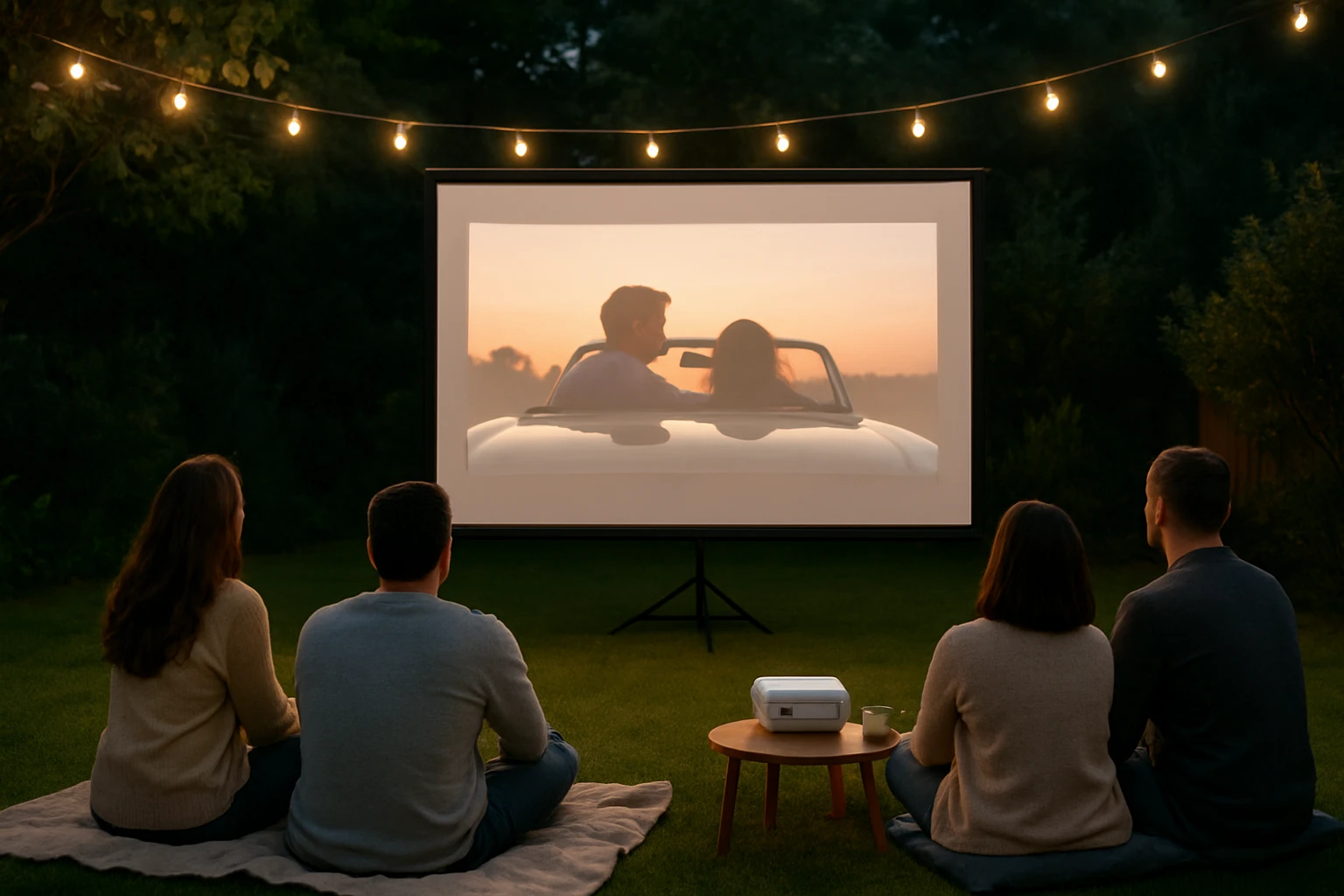
One memorable evening under the stars can become a cherished memory when the audience enjoys a film without the annoyance of buzzing insects. This guide explains how to create a comfortable outdoor cinema while employing safe, electronic pest‑control methods. Readers will learn how to select a location, arrange seating, install lighting, and deploy bug‑zapping devices that protect guests without relying on chemicals. By following these steps, one can host an outdoor movie night that feels both elegant and insect‑free.
What You’ll Need
- Projector and portable screen or white sheet
- Bluetooth speaker or external audio system
- Comfortable seating (chairs, bean bags, blankets)
- String lights or low‑profile lanterns for ambience
- Extension cords and power strips
- One or more electronic bug‑zappers (recommended below)
- Basic tools: screwdriver, zip ties, tape
Step‑by‑Step Instructions
1. Choose a Suitable Location
Select a flat area that is at least 15 feet from the nearest wall to allow for optimal screen projection. Ensure the site has access to a grounded outdoor outlet or a reliable battery source. The chosen spot should be away from standing water, which can serve as a breeding ground for mosquitoes. If the area is partially shaded, consider positioning the screen so that the projector does not receive direct sunlight.
2. Set Up the Screen and Projector
Mount the screen on a sturdy frame or stretch a white sheet between two poles using rope and zip ties. Place the projector on a stable table or tripod at a distance recommended by the manufacturer, typically 8‑12 feet for a 100‑inch image. Connect the projector to the power source using a weather‑rated extension cord; coil any excess cord to avoid tripping hazards. Test the image quality before darkening the area to confirm focus and alignment.
3. Arrange Seating and Comfort Items
Distribute chairs, cushions, and blankets in a semi‑circular layout that faces the screen. Provide throw blankets for cooler evenings and consider adding outdoor rugs to define the viewing area. Place the audio speaker centrally to distribute sound evenly, and secure it with tape or a sandbag if wind is a concern. Ensure that all seating arrangements leave clear pathways for guests to move safely.
4. Install Ambient Lighting
Hang string lights or LED lanterns at a height of 8‑10 feet to create a warm glow without interfering with the screen image. Use low‑intensity bulbs that do not attract insects as strongly as bright white lights. Connect the lighting to a separate power strip with a timer, allowing the lights to dim automatically when the movie begins. This step enhances safety while preserving the cinematic atmosphere.
5. Deploy Electronic Bug‑Zappers
Electronic bug‑zappers provide a chemical‑free method of reducing mosquito populations around the viewing area. The following products are recommended based on coverage area, power source, and durability.
- Outdoor Coverage: Place the GOOTOP Bug Zapper near the perimeter of the seating zone. This device offers 4200 V high‑voltage grids and covers up to ½ acre, making it ideal for large backyards. At a price of $33.99 and a rating of 4.5 stars from 25,306 reviews, it provides reliable performance. Its lightweight ABS plastic construction allows it to be hung from a hook or placed on a table, and the removable tray simplifies cleanup.
- Solar‑Powered Option: If access to electricity is limited, the PhatroyYee Solar Bug Zapper offers flexibility. With a 4500 V grid, a 4000 mAh rechargeable battery, and up to 13 hours of operation on a full charge, it can sustain pest control throughout an evening. The solar panel charges during daylight, reducing energy costs. Priced at $69.99 with a 4.4‑star rating from 649 reviews, it also features an IPX5 waterproof rating for weather resilience.
- Indoor/Enclosed Patio: For covered patios or gazebos, the Lulu Home Bug Zapper provides a compact indoor solution. Its 2800 V grid and 20 W UV bulb attract flies, moths, and mosquitoes within a modest indoor space. At $36.99 and a 4.3‑star rating from 2,893 reviews, it includes a removable tray and safety mesh to protect children and pets.
- Portable Battery‑Powered Option: For a truly cordless setup, the Otlotrte Cordless Bug Zapper combines a 4200 V grid with a 4800 mAh battery that lasts up to 24 hours on a single charge. Its IP67 waterproof rating ensures operation in rain or high humidity. Priced at $39.99 with a 4.8‑star rating from 41 reviews, it also includes a built‑in camping lantern for added ambience.
Position each zapper at least 5 feet apart to create overlapping zones of attraction, thereby maximizing coverage. Ensure that the devices are placed on stable surfaces and that cords, if any, are safely routed away from foot traffic.
6. Manage Power and Safety
Consolidate all electrical devices—projector, audio system, lighting, and bug‑zappers—into a single outdoor‑rated power strip equipped with a surge protector. Use ground‑fault circuit interrupters (GFCI) to prevent electrical hazards in damp conditions. Verify that each bug‑zapper’s safety cage is intact and that the removable trays are secured before the event begins. Keep a fire‑extinguisher nearby as a precaution.
7. Conduct a Test Run
Before guests arrive, run the entire setup for at least 15 minutes. Check that the projector displays a clear image, the audio is balanced, and the bug‑zappers are actively attracting insects. Adjust the height of the lighting fixtures if shadows interfere with the screen. Confirm that all cords are hidden or taped down to avoid tripping.
8. Enjoy the Movie Night
Invite guests to settle into their seats, provide refreshments, and dim the ambient lights. Start the film once the area is quiet and the bug‑zappers are operating at full efficiency. Observe the insect activity; if mosquitoes persist, consider adding an additional zapper or a portable fan to disperse carbon dioxide plumes that attract mosquitoes. After the screening, turn off all electronics, clean the zapper trays, and store the devices for future use.
Tips & Pro Tips
- Place a small fan near the seating area to create airflow; mosquitoes find it harder to locate hosts in moving air.
- Eliminate any standing water within a 100‑foot radius of the venue to reduce mosquito breeding sites.
- Schedule the movie to begin at dusk, when the bug‑zappers are most effective and natural light no longer interferes with the screen.
- Use citronella candles as a supplemental, non‑electronic deterrent, but keep them away from flammable materials.
- For extended events, rotate the battery‑powered zapper to a fresh charge halfway through the night.
Troubleshooting
Problem: Bug‑zapper does not attract insects.
Solution: Verify that the UV light is functioning; replace the bulb if it appears dim. Ensure the device is positioned in a darkened area, as bright ambient light can diminish its effectiveness.
Problem: Electrical cords trip guests.
Solution: Use cord covers or tape cords to the ground. Run cords along the perimeter of the seating area rather than across the middle.
Problem: Mosquitoes persist despite zapper use.
Solution: Deploy a fan to disperse carbon dioxide, and consider adding a second zapper on the opposite side of the viewing area to increase coverage.
Conclusion
By following this comprehensive guide, one can host an outdoor movie night that combines cinematic enjoyment with effective, electronics‑safe pest control. The recommended bug‑zappers provide versatile power options, robust coverage, and chemical‑free operation, ensuring that guests remain comfortable throughout the event. With careful planning, proper lighting, and diligent safety measures, the evening will be remembered for its entertainment value rather than for irritating mosquito bites.
Products Mentioned in This Guide
Frequently Asked Questions
What electronic pest‑control methods are safe to use around outdoor movie equipment?
Use UV‑light bug zappers placed at least 5 feet away from projectors, speakers, and power cords to avoid electromagnetic interference.
How far should bug‑zappers be positioned from the screen and seating area?
Place zappers 6–8 feet from the screen and 4–6 feet from seating to attract mosquitoes without disturbing viewers.
Can I power a projector and bug‑zappers with the same extension cord?
Yes, but use a heavy‑gauge extension cord and a surge‑protected power strip to handle the combined load safely.
What lighting options keep the area bright yet don’t attract insects?
Low‑profile LED lanterns or warm‑white string lights emit little UV, providing ambience without drawing mosquitoes.
Do I need to treat the ground or surrounding area before the movie night?
A light mist of water or a natural repellent spray around the perimeter can deter insects without affecting electronics.