Introduction
This guide explains how to organize an outdoor movie night that minimizes pollen exposure for guests who suffer from seasonal allergies. It covers location selection, air‑quality management, equipment setup, and a detailed checklist to ensure a smooth experience. By following the instructions, one can enjoy a cinematic evening under the stars without compromising respiratory comfort. The information is valuable for families, community groups, and anyone who wishes to host an inclusive outdoor event.
What You'll Need
- Portable Mdbebbron 120‑Inch Projector Screen – $22.99, 4.5/5 rating
- LEVOIT Core 300‑P Air Purifier – $99.00, 4.7/5 rating
- Outdoor‑grade projector with HDMI input
- Battery‑powered speaker system
- Weather‑proof blankets or low‑profile chairs
- String lights or LED lanterns for ambient lighting
- Reusable popcorn containers and allergen‑free snacks
Step 1: Choose the Right Location
Select a flat, open area that is shielded from direct wind, as gusts can stir pollen into the viewing zone. A backyard patio, garden gazebo, or level lawn with natural windbreaks works well. Ensure that the site has access to an electrical outlet or a reliable portable power source for the projector and speaker system. Mark the perimeter with rope or low‑profile fencing to keep pets and insects away.
Step 2: Manage Air Quality with an Air Purifier
Place the LEVOIT Core 300‑P Air Purifier near the seating area, ideally on a sturdy table or stand. This model features a 56‑watt high‑torque motor and a CADR of 143 CFM for smoke, 153 CFM for dust, and 167 CFM for pollen, making it capable of refreshing the air in a 1,073 ft² space once per hour. The HEPA‑grade filter captures particles as small as 0.1 µm, which includes common pollen grains. Running the purifier on its highest setting for at least 30 minutes before guests arrive creates a cleaner micro‑environment, reducing allergy symptoms without the need for chemical sprays.
Step 3: Prepare Seating and Ground Cover
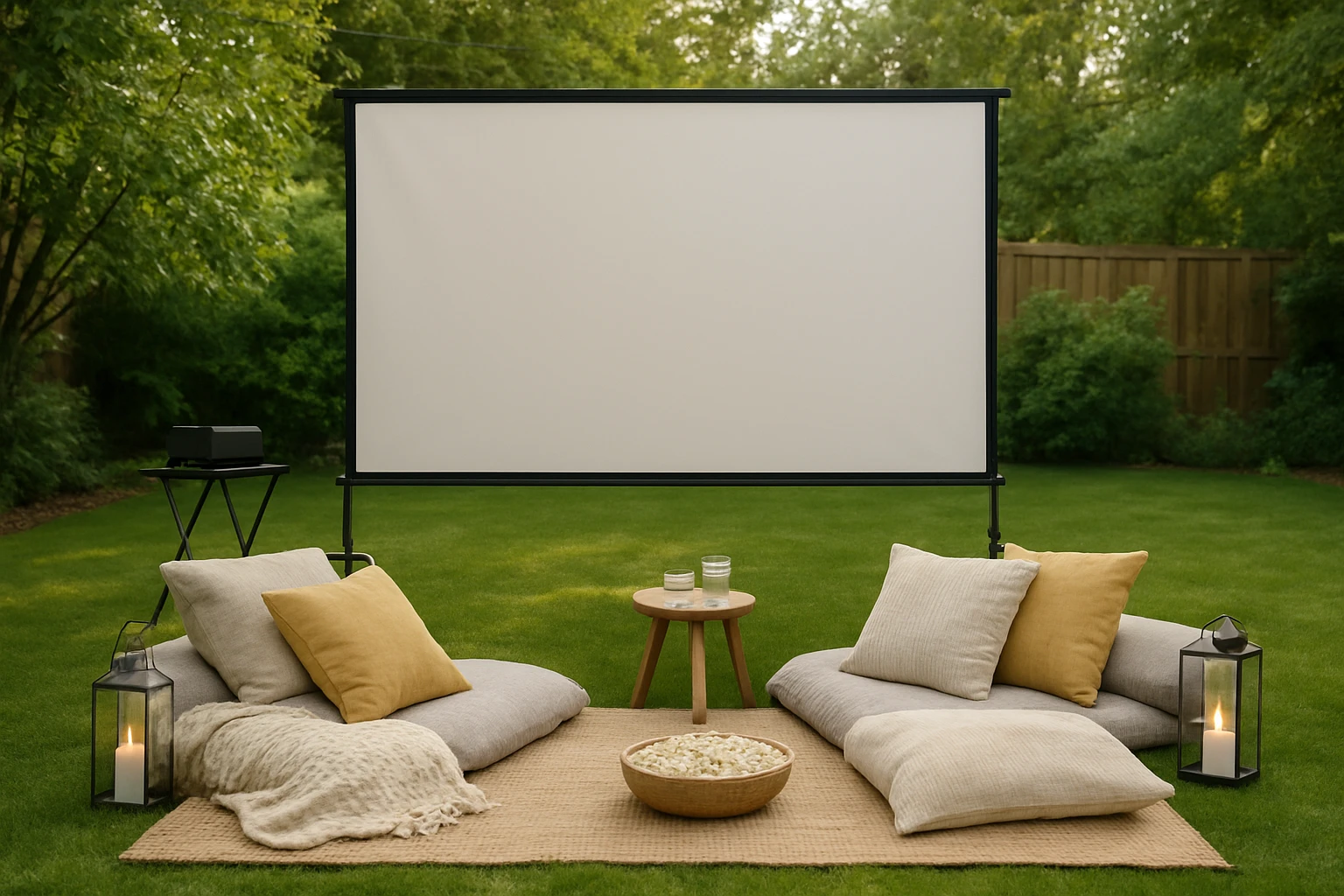
Lay down waterproof ground sheets or outdoor rugs to prevent dampness from the grass and to create a barrier against ground‑level allergens. Provide plush blankets and cushions that can be easily washed after the event, as dust can settle on fabric surfaces. Encourage guests to bring their own seating if they have specific allergy‑related comfort requirements, such as hypoallergenic cushions. Arrange the seating in a semi‑circular layout to maximize the viewing angle while keeping everyone within the purifier’s effective range.
Step 4: Install the Projector Screen
Unfold the Mdbebbron 120‑Inch Projector Screen and attach it to the wall or a freestanding frame using the supplied hooks, ropes, and double‑sided tape. The screen measures 104 inches by 58 inches, providing a generous 16:9 viewing area that accommodates most movie formats, including 1080p and 4K sources. Its anti‑crease polyester fabric maintains a smooth surface even after repeated folding, ensuring a bright and sharp image. For outdoor use, tension the screen with the included ropes to prevent sagging caused by wind, and verify that the material lies flat to avoid hotspots.
Step 5: Set Up Projection Equipment
Position the projector at a distance that fills the screen without causing pixelation; a 2.5‑meter throw distance is typical for a 120‑inch display. Connect the projector to a media source via HDMI, and test the picture quality before darkness sets in. Adjust focus and keystone settings to achieve a rectangular image that aligns with the screen edges. If the projector lacks built‑in speakers, pair it with a Bluetooth or wired outdoor‑rated speaker system for clear audio that does not disturb neighboring properties.
Step 6: Control Ambient Lighting
Install string lights or LED lanterns around the perimeter to provide low‑level illumination that enhances safety without washing out the projected image. Use warm‑white bulbs to create a cozy atmosphere while preserving contrast on the screen. Dim or switch off any nearby streetlights that may cast unwanted glare onto the viewing surface. Consider using a portable blackout curtain if the event takes place near a bright window or open garage door.
Step 7: Offer Allergy‑Friendly Snacks
Select snacks that are free from common allergens such as nuts, dairy, and gluten, unless you have confirmed that all guests can tolerate them. Popcorn served in reusable containers is a classic choice; add a sprinkle of nutritional yeast for a cheesy flavor without dairy. Provide bottled water and herbal teas to keep guests hydrated, as proper hydration can lessen nasal irritation caused by pollen. Label each snack clearly to avoid accidental exposure.
Step 8: Conduct Final Checks
Perform a walkthrough fifteen minutes before the scheduled start time to verify that the air purifier is operating, the screen is taut, and the projector is aligned. Test the audio levels and ensure that the lighting is set to the desired dimness. Confirm that all cables are safely tucked away to prevent tripping hazards. Finally, greet guests with a brief reminder to keep windows closed and to inform the host of any immediate allergy concerns.
Tips & Pro Tips
- Run the air purifier for at least an hour on a high‑pollen day to pre‑condition the air.
- Use a handheld fan to direct fresh air away from the seating area if wind patterns shift.
- Apply a light mist of water to the screen surface before the movie to reduce static and dust attraction.
- Keep a spare HEPA filter on hand for the purifier in case of heavy usage.
- Schedule the movie to start after sunset to take advantage of natural temperature drops, which can reduce pollen density.
Troubleshooting
Problem: Screen appears wrinkled after setup.
Solution: Use a hair dryer on a low setting to gently heat the fabric, then smooth it with hands while tensioning the ropes.
Problem: Air purifier makes a loud noise.
Solution: Ensure the unit is placed on a stable, level surface and check that the pre‑filter is clean; replace if necessary.
Conclusion
By following this comprehensive checklist, one can host an outdoor movie night that respects the needs of allergy‑prone guests during pollen season. The combination of a high‑performance air purifier and a portable, anti‑crease projector screen creates a comfortable viewing environment without excessive expense. Implementing the outlined steps will result in a memorable cinematic experience that is both inclusive and enjoyable. Invite friends and family to relax under the night sky, confident that their respiratory health has been thoughtfully considered.
Products Mentioned in This Guide
Frequently Asked Questions
How can I minimize pollen exposure for guests at an outdoor movie night?
Choose a low‑pollen location, run a portable HEPA air purifier, and schedule the event for late afternoon when pollen counts are lower.
What air purifier works well for an outdoor movie setup?
The LEVOIT Core 300‑P, a portable HEPA unit, is effective and easy to power with a battery pack or generator.
What screen size is ideal for a backyard movie night?
A 120‑inch projector screen provides a clear view without overwhelming most yards while remaining easy to transport.
How should seating and lighting be arranged for allergy‑friendly comfort?
Use weather‑proof blankets or low‑profile chairs with ample spacing, and add string lights or LED lanterns for soft, non‑allergenic illumination.
What snack options are safe for guests with seasonal allergies?
Offer reusable popcorn containers with plain popcorn and allergen‑free snacks like fresh fruit, veggie sticks, and dairy‑free treats.