How Wide Should a Portable Screen Be for 6–10 Viewers? Step-by-Step How-To Sizing Guide
Introduction
When a group of six to ten people gathers around a laptop, conference table, or gaming console, the single built‑in display often becomes a bottleneck. One of the most effective solutions is to add a portable external monitor that can serve as a shared visual hub. This guide explains how to determine the optimal screen width for a group of this size, walks through the practical steps to select and set up the right monitor, and recommends four Amazon‑available models that excel in different scenarios. By following the instructions, readers will be able to enhance collaboration, improve ergonomics, and enjoy a richer multimedia experience without investing in a full‑size desktop monitor.
What You’ll Need
- Measuring tape or laser distance meter
- Calculator or spreadsheet for simple arithmetic
- Power source (USB‑C charger or wall adapter)
- One of the portable monitors listed in the Yxk Portable Monitor, KYY Portable Monitor, Maovz Portable Monitor, or InnoView Portable Monitor
- Appropriate cables (USB‑C to USB‑C, Mini‑HDMI, or HDMI)
- Optional VESA mount or stand for ergonomic positioning
Step 1: Measure the Viewing Distance
The first factor influencing screen width is the distance between the viewers and the display. For a group of six to ten people, the average eye‑to‑screen distance ranges from 3 to 5 feet (0.9–1.5 m). Use a measuring tape to record the longest distance from the back row to the intended monitor location. This measurement will serve as the basis for calculating the ideal visual field.
Why it matters: Human visual acuity declines with distance, and a screen that is too narrow will force viewers to squint or turn their heads, leading to discomfort and reduced comprehension during presentations or multiplayer sessions.
Step 2: Determine the Desired Horizontal Field of View (HFOV)
Professional guidelines suggest a horizontal field of view of 30°–40° for comfortable group viewing. Convert the measured distance (D) to meters and apply the formula:
Ideal Width (W) = 2 × D × tan(HFOV ÷ 2)
For example, with D = 1.2 m and HFOV = 35°, the calculation yields:
W = 2 × 1.2 × tan(17.5°) ≈ 0.74 m (≈ 29 inches)
This result indicates that a monitor around 30 inches wide will provide a comfortable viewing angle for most participants.
Step 3: Choose an Aspect Ratio That Matches Content
Most portable monitors use a 16:9 aspect ratio, which is ideal for video, presentations, and gaming. However, if the primary use case involves document editing or spreadsheet work, a 16:10 or 3:2 ratio can provide extra vertical space. The four products reviewed all adopt the standard 16:9 ratio, making them suitable for mixed‑use environments.
Step 4: Match Calculated Width to Available Monitor Sizes
Portable monitors are offered in several diagonal measurements: 15.6 inches, 18.5 inches, and larger. The actual width of a 16:9 display can be derived from the diagonal (D) using the relationship:
Width = D × 16 ÷ √(16² + 9²)
Applying this formula:
- 15.6‑inch model → Width ≈ 13.6 inches (34.5 cm)
- 18.5‑inch model → Width ≈ 16.2 inches (41 cm)
Because the ideal width for a six‑to‑ten‑person group is roughly 30 inches, a single portable monitor will not cover the entire field of view. The practical solution is to use two monitors side‑by‑side or a larger 18.5‑inch unit combined with a VESA mount to position it centrally.
Step 5: Select the Appropriate Portable Monitor
Based on the calculations, the following recommendations align with specific scenarios:
- Budget‑friendly, lightweight solution for casual meetings: The Yxk Portable Monitor costs $39.99, weighs 1.43 lb, and offers a 15.6‑inch IPS panel with HDR and low‑blue‑light technology. Its dual USB‑C ports enable plug‑and‑play connection to laptops or consoles, making it ideal for quick setups. Rating 4.3/5 from 2,141 reviews confirms reliable performance.
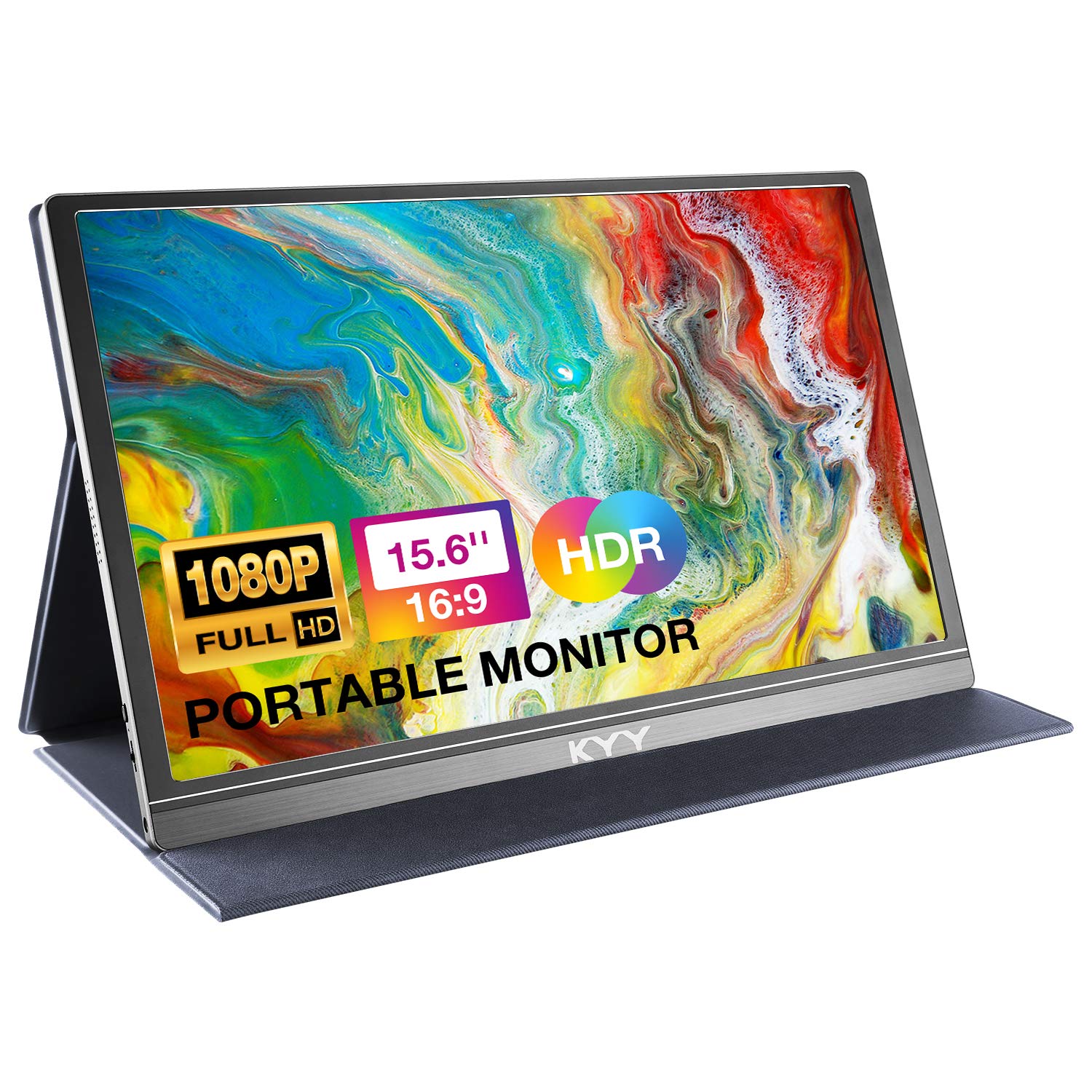
- Mid‑range option with premium cover and audio: The KYY Portable Monitor is priced at $69.99, includes a smart PU‑leather cover that doubles as a stand, and provides two built‑in speakers. Its 15.6‑inch IPS screen delivers 178° viewing angles and HDR, while the cover adds protection for travel. Rating 4.4/5 from 12,940 reviews indicates strong user satisfaction.
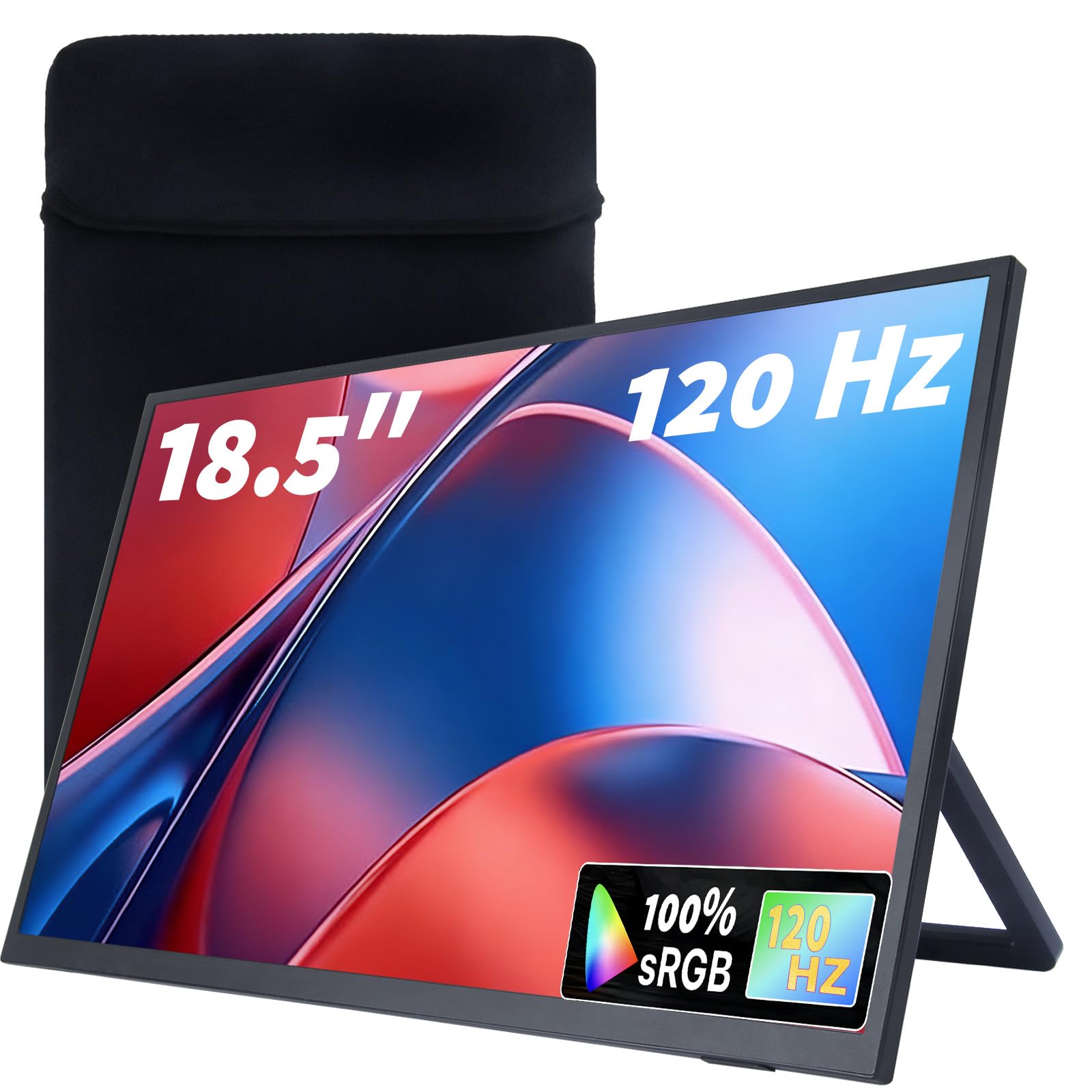
- Large‑format, high‑refresh‑rate monitor for gaming and design: The Maovz Portable Monitor measures 18.5 inches, features a 120 Hz refresh rate, 1 ms response time, and includes a shock‑proof storage bag. At $109.99 it offers a wider visual field (≈16.2 inches) that approaches the calculated ideal width, reducing the need for dual screens. Rating 4.6/5 from 86 reviews highlights its premium feel.
- Professional‑grade, VESA‑compatible large monitor: The InnoView Portable Monitor also measures 18.5 inches, supports a 100 Hz refresh rate with FreeSync, and offers 120% sRGB color coverage. Priced at $119.99, it includes multiple mounting options (stand, wall, VESA) for ergonomic placement in conference rooms. Rating 4.2/5 from 576 reviews reflects solid performance for business environments.
For a group of ten, pairing two 15.6‑inch units (Yxk or KYY) side‑by‑side creates an effective 27‑inch visual surface, while a single 18.5‑inch unit (Maovz or InnoView) provides a broader single‑screen experience with fewer cables.
Step 6: Connect, Configure, and Test the Setup
Follow these actions to ensure a smooth deployment:
- Connect the monitor to the host device using a USB‑C to USB‑C cable if the laptop supports DP Alt‑Mode, or use the Mini‑HDMI port with an HDMI cable.
- Power the monitor either via the host’s USB‑C output (if sufficient) or an external 20 W adapter to avoid flickering.
- Set the display mode on the host: duplicate for presentations, extend for collaborative work, or second‑screen mode for gaming.
- Adjust brightness, contrast, and enable HDR (if supported) to match ambient lighting.
- Position the monitor(s) at eye level using the built‑in kickstand or a VESA mount to maintain a neutral neck posture.
Testing should involve a short video or slideshow to verify that all participants can see the content clearly from the farthest seat. If any viewer reports strain, consider adding a second monitor or moving the display slightly closer.
Tips & Pro Tips
- Use a matte screen protector to reduce glare in bright conference rooms.
- Employ a USB‑C hub with Power Delivery when connecting multiple peripherals to keep cable clutter low.
- Calibrate color settings using built‑in monitor menus if accurate color reproduction is required for design work.
- Secure the monitor with a VESA mount when the setup will be semi‑permanent; this frees desk space and improves ergonomics.
- Consider dual‑monitor arrangements for groups larger than eight; the combined width will better satisfy the HFOV guideline.
Troubleshooting
Problem: Screen flickers or goes dark after a few minutes.
Solution: Verify that the host device supplies at least 20 W of power. If not, connect the monitor to a dedicated USB‑C power adapter. This is especially relevant for the InnoView Portable Monitor, which notes low brightness when power is insufficient.
Problem: Audio is missing from built‑in speakers.
Solution: Ensure the monitor is set as the default audio output in the operating system’s sound settings. Both the Yxk and KYY models include dual speakers that are automatically selected when the monitor is connected via USB‑C.
Conclusion
Choosing the correct portable screen width for six to ten viewers involves measuring distance, calculating an ideal horizontal field of view, and matching those numbers to available monitor dimensions. By following the six steps outlined above, readers can confidently select a monitor that balances cost, portability, and visual performance. Whether opting for the budget‑friendly Yxk, the feature‑rich KYY, the high‑refresh‑rate Maovz, or the VESA‑compatible InnoView, the guide equips users with the knowledge to create an inclusive visual environment for work or play.
Products Mentioned in This Guide
Frequently Asked Questions
What screen width is ideal for a group of 6–10 viewers?
A portable monitor between 15 in and 17 in diagonal (about 34‑38 in wide) provides clear visibility for 6‑10 people without crowding.
How far should the screen be positioned from the viewers?
Place the screen 3‑4 feet (0.9‑1.2 m) away to ensure comfortable viewing angles and reduce eye strain.
Which factors determine the optimal portable screen size for a small group?
Consider viewing distance, seating arrangement, content type (text vs video), and the device’s resolution and brightness.
What portable monitors are recommended for 6‑10 people?
Top picks include the Yxk Portable Monitor, ASUS ZenScreen, Lepow 15.6" Full HD, and AOC 16.5" USB‑C models, all available on Amazon.
How can I quickly set up a portable screen for a meeting?
Connect the monitor via USB‑C or HDMI, plug in power, adjust height with a stand or clip, and calibrate brightness for the lighting conditions.