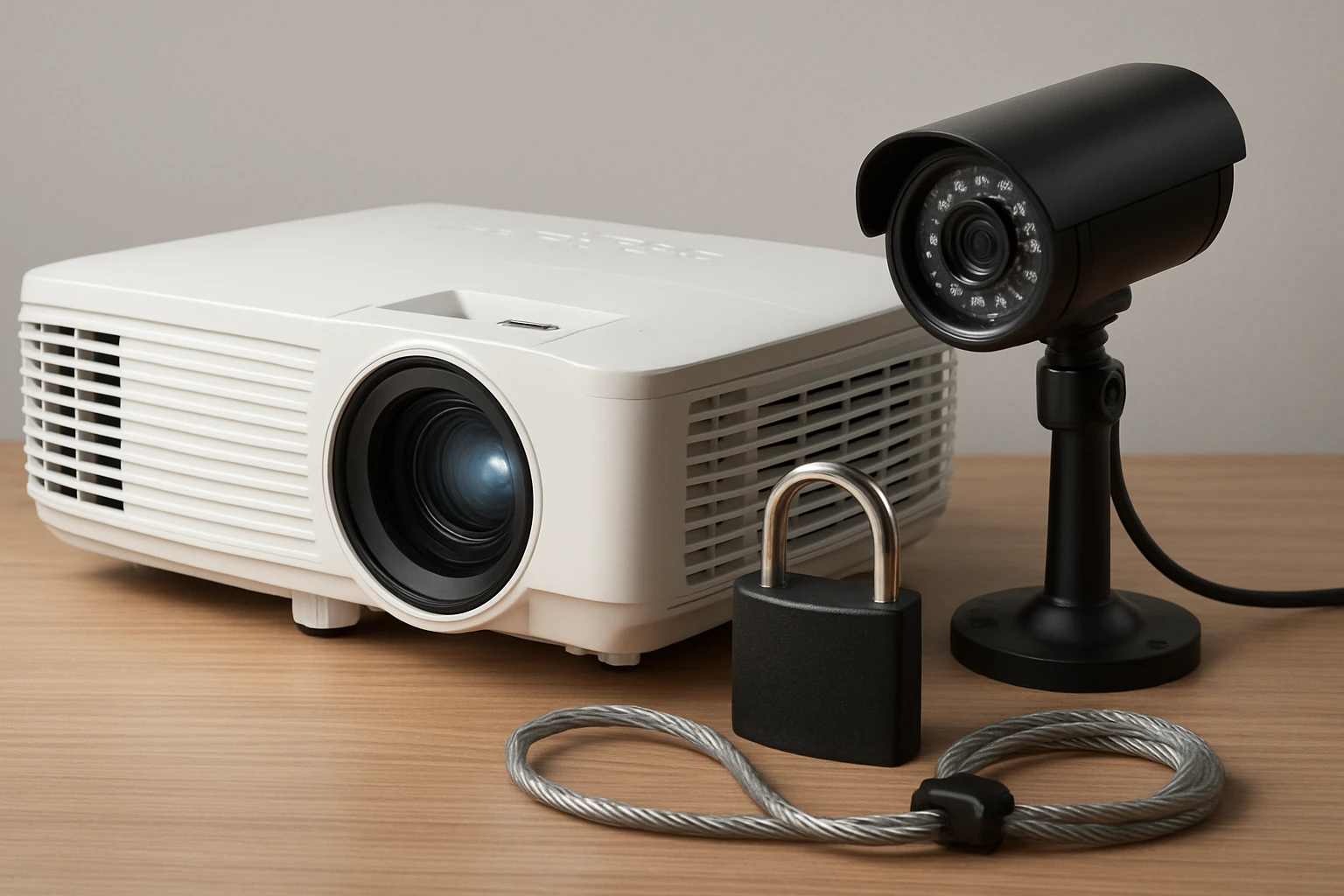
Projector Theft Prevention: The Ultimate Guide to Securing Your Projector and AV Gear
Introduction
Projectors and associated audio‑visual (AV) gear represent a significant capital investment for businesses, schools and event professionals. Theft of these devices can disrupt operations, incur replacement costs and jeopardize confidential presentations. This guide explains the scope of projector theft, outlines the underlying risk factors and provides actionable strategies to mitigate loss. Readers will learn how to evaluate security solutions, compare leading cable locks and adopt best‑practice procedures that protect equipment without compromising usability.
The information presented combines industry standards with real‑world product data, ensuring that recommendations are both evidence‑based and practical. By the end of the article, one will be equipped to design a layered security plan that addresses physical anchoring, storage, transportation and monitoring.
Background / Context
Projectors are frequently moved between conference rooms, classrooms and off‑site venues, making them attractive targets for opportunistic thieves. Unlike desktop computers, many projectors lack built‑in Kensington slots, which limits the use of conventional cable locks. Understanding the anatomy of a projector, the typical mounting configurations and the environments in which they operate is essential for selecting appropriate safeguards.
A typical projector consists of a housing, lens assembly, ventilation grills and a set of input/output ports. The housing often includes mounting holes for ceiling or wall brackets, and some models provide a small security slot compatible with standard locks. When such a slot is absent, an adhesive anchor plate can be employed to create a secure attachment point for a cable lock. The choice between permanent mounting hardware and temporary adhesive solutions depends on the frequency of relocation and the surface material.
Statistical reports from security firms indicate that theft of portable AV equipment accounts for a growing proportion of overall office theft incidents. The average loss per incident exceeds $1,200, highlighting the financial incentive for criminals. Consequently, organizations must adopt a proactive stance that combines deterrence, delay and detection.
Understanding Projector Theft Risks
Risk assessment begins with identifying vulnerable points in the equipment lifecycle. First, consider the storage area: unlocked cabinets, open‑plan desks or unattended staging zones provide easy access. Second, evaluate transportation methods; unsecured cases or loose cables can be seized during transit. Third, examine the mounting environment; projectors mounted on mobile carts are more susceptible than those bolted to ceiling mounts.
Physical deterrents such as visible locks and tamper‑evident seals increase the perceived effort required to steal equipment. Research shows that thieves often abandon high‑effort targets in favor of low‑effort alternatives. Therefore, implementing a visible security device can shift the risk calculus.
In addition to physical measures, electronic monitoring—including motion sensors, door contacts and video surveillance—provides real‑time alerts that can prevent theft or facilitate recovery. A layered approach that integrates both physical and electronic controls yields the highest protection level.
Physical Anchoring Solutions
Anchoring a projector to a fixed object creates a mechanical barrier that must be overcome before removal. The most common method involves a steel cable lock that loops around a sturdy fixture such as a desk leg, a metal bracket or a dedicated security post. When the projector lacks a built‑in lock slot, an adhesive anchor plate can be applied to the device’s rear panel, providing a secure attachment point for the cable.
When selecting a cable lock, three criteria are paramount: material strength, cable length and the presence of a keyed or combination mechanism. Hardened steel cables resist cutting attempts, while a longer cable offers flexibility in positioning the anchor point. Keys should be uniquely numbered to prevent loss and simplify inventory management.
The following products exemplify high‑quality cable lock solutions that are compatible with a wide range of AV equipment. Each product description includes key specifications, user ratings and the contexts in which the lock excels.
- LORADAR Laptop Cable Lock – A 6.7 ft hardened steel cable with a 3 mm core diameter, rated to withstand 1800 N pulling force. Includes three uniquely keyed locks and an adhesive anchor plate for devices without a Kensington slot. Rated 4.4 / 5.0 from 208 reviews and priced at $17.99.
- Kensington Standard Laptop Lock – Features a 6 ft carbon‑steel cable with a pivoting 10 mm lock head, patented hidden‑pin technology and eight‑year technical support. Holds a 4.4 / 5.0 rating from 334 reviews and costs $10.97.
- I3C Hardware Laptop Cable Lock – Offers a 6.5 ft cut‑resistant twisted steel cable with a PVC coating, 360° rotating stainless‑steel lock head and adhesive anchor plate for non‑slot devices. Holds a 4.3 / 5.0 rating from 415 reviews and is priced at $19.99.
Cable Lock Options for AV Gear
When securing a projector, the choice of cable lock depends on the device’s mounting capabilities and the environment in which it will be used. For permanent installations where a Kensington‑type slot is present, the Kensington Standard Laptop Lock provides a compact head that fits even thin devices. Its carbon‑steel cable resists cutting, and the hidden‑pin mechanism deters lock‑picking attempts.
For portable projectors that lack a built‑in slot, the LORADAR Laptop Cable Lock includes an adhesive anchor plate that bonds to the rear surface. The plate’s strong 3 M adhesive ensures a reliable bond on metal, plastic or wood, while the 5 mm encapsulated cable offers substantial anti‑cut protection. Users appreciate the three distinct keys, which simplify key management across multiple devices.
The I3C Hardware Laptop Cable Lock distinguishes itself with a 360° rotating stainless‑steel lock head, allowing the cable to align with irregular anchor points. Its PVC‑coated steel cable adds flexibility without sacrificing strength, and the included adhesive plate expands compatibility to tablets and other small AV components.
In environments with high foot traffic, it is advisable to combine a cable lock with a security cable that threads through a heavy‑duty metal bracket attached to the floor or a fixed workstation. This dual‑anchor approach forces a thief to overcome two independent barriers, dramatically increasing the time and tools required for removal.
Secure Storage and Transportation
Even the most robust cable lock cannot protect equipment that is left unattended in an unsecured storage area. Dedicated lockable cases, such as hard‑shell flight cases with built‑in cable lock slots, provide an additional layer of protection. When transporting projectors between venues, use cases that feature foam inserts to prevent movement and shock damage.
For short‑term storage, consider a wall‑mounted security bracket with a built‑in lock. The bracket can be anchored to a concrete wall using expansion bolts, and the projector can be secured with a cable lock that loops through the bracket’s eyelet. This method eliminates the need for adhesive plates and reduces the risk of residue damage on the device.
Labeling each piece of equipment with a unique identifier—such as a barcode or RFID tag—facilitates inventory tracking and rapid recovery in the event of theft. Many organizations integrate these identifiers with asset‑management software that alerts administrators when an item is removed from its designated location.
Monitoring and Alarm Systems
Physical deterrents are most effective when paired with electronic monitoring. Motion sensors placed near the projector’s mounting location can trigger audible alarms and send push notifications to security personnel. Wireless door contacts attached to cabinet doors provide real‑time status updates, ensuring that any unauthorized opening is immediately reported.Video surveillance with analytics capable of detecting tampering or removal of equipment adds a powerful investigative tool. Modern cameras can be configured to send alerts when a projector is moved outside of its usual range, enabling rapid response.
Integrating cable lock status with a central security dashboard allows administrators to verify that locks remain engaged. Some advanced locks feature Bluetooth connectivity that reports lock/unlock events to a mobile app, providing an additional layer of oversight.
Comparison / Selection Guide
| Feature | LORADAR Laptop Cable Lock | Kensington Standard Laptop Lock | I3C Hardware Laptop Cable Lock |
|---|---|---|---|
| Cable Length | 6.7 ft (2 m) | 6 ft (1.8 m) | 6.5 ft (2 m) |
| Material | Hardened steel wire (7 × 19 strands) | Carbon steel with plastic sheath | Cut‑resistant twisted steel with PVC coat |
| Maximum Pull Force | 1800 N (joint) / 1200 N (ring) | Not specified, but reinforced carbon steel | Not specified, marketed as high‑strength |
| Key System | Three uniquely keyed locks | Single keyed lock | Standard key lock (single) |
| Adhesive Anchor Plate | Included, strong 3 M adhesive | Not included | Included |
| Price (USD) | $17.99 | $10.97 | $19.99 |
| Rating | 4.4/5 (208 reviews) | 4.4/5 (334 reviews) | 4.3/5 (415 reviews) |
For permanent installations where a Kensington slot is present, the Kensington Standard Laptop Lock offers a cost‑effective solution with a reliable carbon‑steel cable. For devices that lack a slot, the LORADAR and I3C locks provide adhesive anchor plates; the LORADAR lock stands out for its higher pull‑force rating and three distinct keys, while the I3C lock offers a 360° rotating head that simplifies routing around obstacles.
Best Practices & Tips
- Conduct a risk assessment for each projector location, noting the presence of a security slot, nearby anchor points and the likelihood of unsupervised access.
- Apply the adhesive anchor plate on a clean, dry surface and allow the recommended curing time before attaching the cable lock.
- Use a cable length that provides slack for movement but avoids excess slack that could be cut or trimmed.
- Maintain a log of key assignments, and store spare keys in a secure, centralized location.
- Combine physical locks with motion sensors or door contacts to create a layered alarm system.
- Regularly inspect cables for signs of wear, corrosion or attempted cuts, and replace components promptly.
- Label each lock and cable with a unique identifier that matches asset‑management records.
Frequently Asked Questions
- What if my projector does not have a Kensington slot?
- Use a lock that includes an adhesive anchor plate, such as the LORADAR Laptop Cable Lock or the I3C Hardware Laptop Cable Lock. Clean the surface, apply the plate, and allow the adhesive to set before looping the cable.
- Can I use a cable lock on a ceiling‑mounted projector?
- Yes, attach the cable to a nearby structural element such as a metal conduit or a dedicated security post. Ensure the cable length reaches without excessive slack.
- How strong does the cable need to be?
- A cable rated to withstand at least 1500 N of pulling force provides sufficient resistance against most hand‑tools. The LORADAR lock’s 1800 N rating exceeds this benchmark.
- Do adhesive plates damage the projector?
- When applied correctly on a clean, non‑porous surface, the 3 M adhesive is removable without leaving residue. Test a small area first if the device surface is delicate.
- Is it necessary to have multiple keys?
- Multiple keys are useful when securing several devices with a single lock set, allowing each user to retain a unique key while maintaining overall security.
- How can I integrate lock status with my security system?
- Some modern locks offer Bluetooth connectivity that reports lock and unlock events to a mobile app. Pair this with a central dashboard to monitor multiple devices simultaneously.
Conclusion
Projector theft can be effectively prevented by employing a layered security strategy that combines robust physical anchoring, secure storage, vigilant monitoring and disciplined asset management. Selecting the appropriate cable lock—whether a standard Kensington model or an adhesive‑plate solution—depends on the projector’s built‑in slot, the environment and budget considerations. By following the best‑practice checklist and leveraging the product comparisons provided, organizations can safeguard valuable AV gear, reduce downtime and protect their financial investment.
Products Featured in This Guide
LORADAR Laptop Cable Lock
Price: $17.99 | Rating: 4.4/5 (208 reviews)
Featured for its hardened steel cable, high pull‑force rating, three uniquely keyed locks and included adhesive anchor plate, making it ideal for projectors without a built‑in slot.
Kensington Standard Laptop Lock
Price: $10.97 | Rating: 4.4/5 (334 reviews)
Featured for its compact pivoting lock head, durable carbon‑steel cable and patented hidden‑pin technology, providing a cost‑effective solution for devices with a standard security slot.
I3C Hardware Laptop Cable Lock
Price: $19.99 | Rating: 4.3/5 (415 reviews)
Featured for its 360° rotating stainless‑steel lock head, cut‑resistant twisted steel cable with PVC coating, and adhesive plate that expands compatibility to a wide range of tablets and small AV devices.