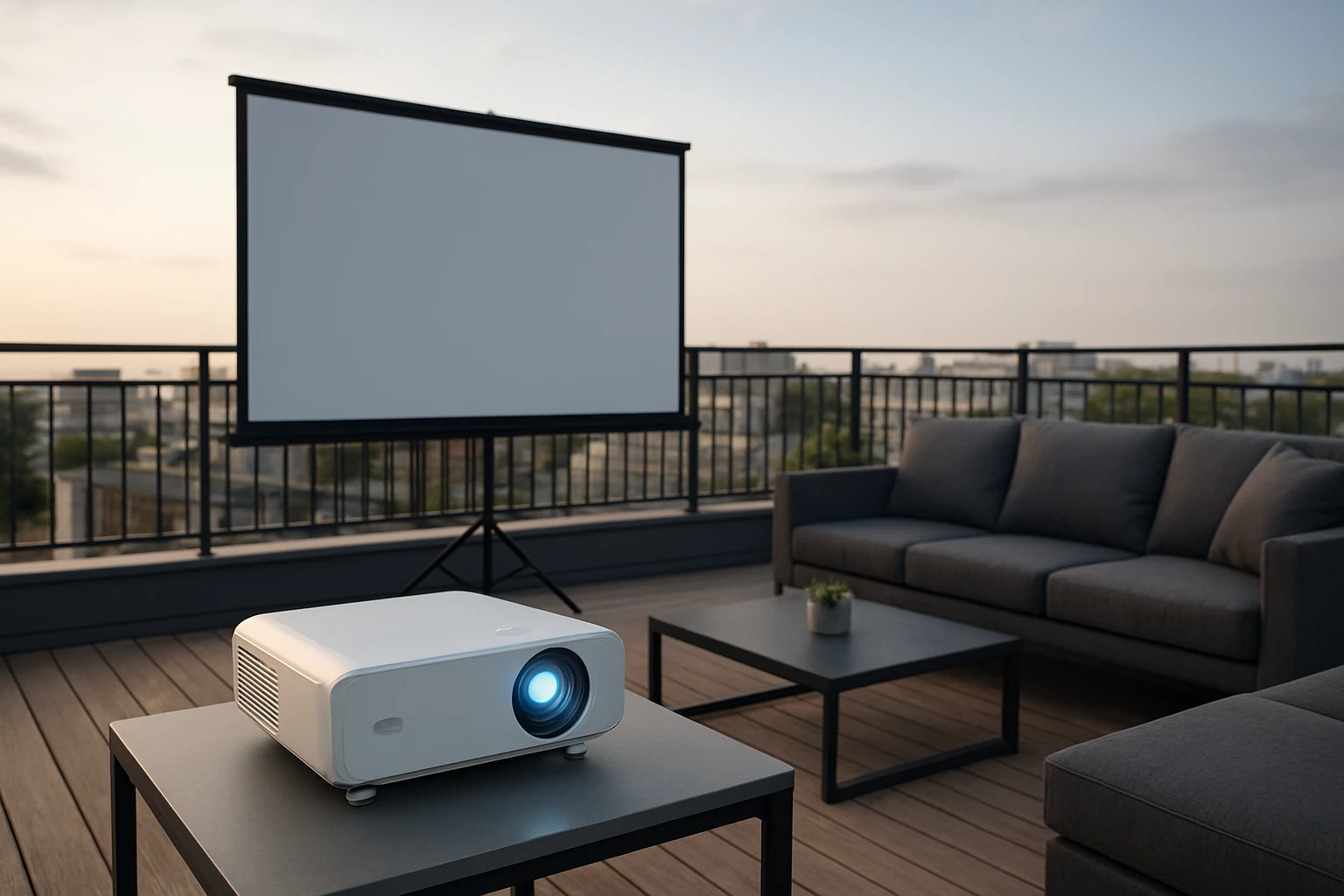
How to Create a Roofdeck Projector Safety Checklist: Essential Steps for Safe Rooftop Movie Nights
Introduction
Hosting a movie night on a roofdeck offers a unique blend of starlit ambience and cinematic excitement. However, the combination of elevated height, electrical equipment, and variable weather demands a meticulous safety approach. This guide will teach the reader how to develop a comprehensive safety checklist that addresses structural load, power distribution, weatherproofing, and emergency procedures. By following the steps, one can enjoy a worry‑free outdoor screening while protecting guests, equipment, and the building itself.
The checklist is organized into logical phases: planning, preparation, installation, operation, and post‑event review. Each phase includes actionable items, recommended tools, and explanations of why those tools are advantageous. The guide also provides practical tips, common troubleshooting scenarios, and a concise product summary for quick reference.
What You’ll Need
- Heavy‑duty extension cords rated for outdoor use
- Weather‑proof power strip with built‑in overload protection
- Non‑slip mats or rubber pads for equipment stability
- Cable management clips and zip ties
- Portable fire extinguisher (Class C)
- Ground‑fault circuit interrupter (GFCI) outlet or adapter
- Measuring tape, level, and ladder
- Protective covers for the projector and speakers
Step 1: Verify Structural Load Capacity
Before any equipment is placed on the roofdeck, confirm that the surface can support the combined weight of the projector, screen, seating, and ancillary devices. Consult the building’s structural engineer or review the original construction documents. Record the maximum allowable load per square foot and compare it to the estimated total weight.
If the load approaches the limit, distribute weight evenly using sturdy decking boards or a portable platform. This reduces point pressure and prevents structural fatigue. Document the verification in a written log; this log becomes part of the safety checklist and can be referenced for future events.
Step 2: Plan Power Distribution and Circuit Load
Calculate the total amperage required by all devices. A typical 300‑watt projector, two 50‑watt speakers, and a streaming device may draw approximately 5 amps at 120 V, but always add a safety margin of 20 percent. Ensure the roofdeck circuit can handle the calculated load without tripping.
When additional outlets are needed, use a reliable outdoor power strip. The TiFFCOFiO Weatherproof Power Strip 25 Ft provides six grounded outlets, a 25‑foot 14 AWG heavy‑duty cord, and spring‑loaded waterproof covers. Its ETL listing, overload protection switch, and stake for elevating the strip above ground make it ideal for rooftop environments where rain or dew may be present.
Connect the power strip to a GFCI‑protected outlet to guard against ground faults. Verify that the GFCI indicator shows a green light before proceeding.
Step 3: Route Extension Cords Safely
Extension cords must be positioned to avoid tripping hazards and exposure to foot traffic. Lay cords along the perimeter of the roofdeck, securing them with cable clips or zip ties attached to railings. Avoid running cords across walkways or under seating.
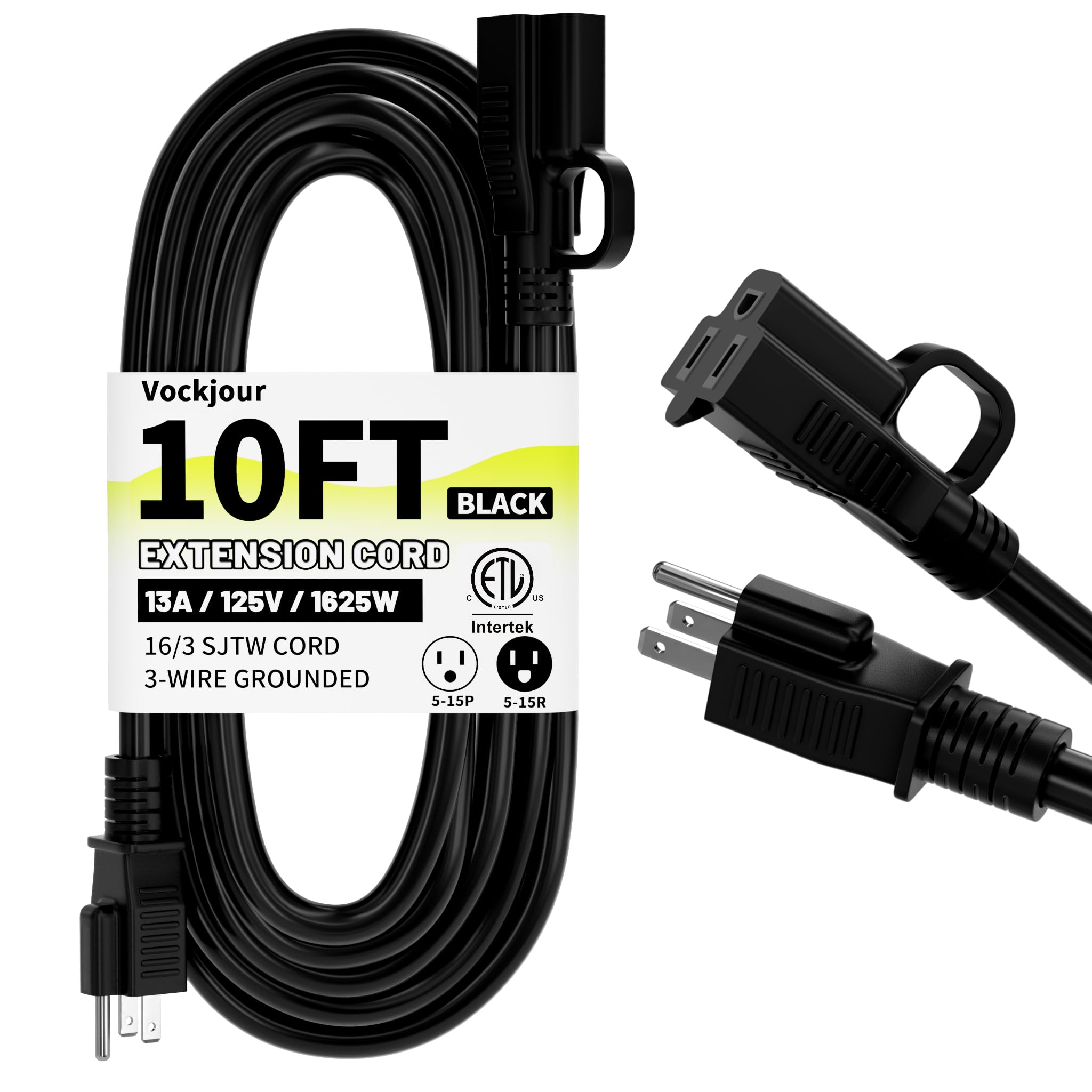
For short runs from the power strip to the projector, the Vockjour 10 Ft Outdoor Extension Cord is an excellent choice. It features a 16 AWG copper core, 13‑amp rating, and IP65 waterproof jacket, ensuring durability in temperature extremes from –58 °F to +158 °F. The rugged strain‑relief design tolerates over 20,000 bends, and the built‑in hooks simplify hanging the cord out of the way. At $6.99 with a 4.8‑star rating from 3,973 reviews, it offers a cost‑effective, high‑quality solution for short, weather‑exposed connections.
When longer distances are required, use a heavier‑gauge cord (e.g., 12 AWG) and consider a conduit for added protection.
Step 4: Protect Equipment from Moisture and UV Exposure
Even if the event is scheduled for a clear night, unexpected rain can damage sensitive electronics. Encase the projector in a breathable, water‑resistant cover that allows heat dissipation while shielding against moisture. Place speakers under a lightweight canopy or use waterproof speaker enclosures.
The power strip’s waterproof outlet covers and the extension cord’s weather‑proof sheath together create a sealed power pathway. Verify that all connectors are fully seated and that the non‑slip plug design prevents accidental disconnection.
Step 5: Secure Equipment to Prevent Movement
Wind gusts on a roofdeck can cause equipment to shift, leading to cable strain or tip‑over accidents. Position the projector on a non‑slip mat or rubber pad, and anchor it to the deck using adjustable straps if the design permits. Secure the screen frame with weighted bases or tie‑down ropes.
Check that all cords remain taut but not stretched; excess slack can become a tripping hazard, while excessive tension can damage the cord insulation.
Step 6: Conduct a Pre‑Event Safety Inspection
Before guests arrive, perform a walk‑through checklist that includes the following items:
- Structural load verification documented and within limits
- All power connections are tight, protected, and routed away from foot traffic
- GFCI and overload protection indicators are green
- Weather‑proof covers are in place and sealed
- Fire extinguisher is accessible and inspected
- Emergency exit routes are clear and well‑lit
Record any findings and corrective actions in a checklist log. This log serves as evidence of due diligence and can be reviewed after the event.
Step 7: Monitor During Operation
Assign a designated safety monitor to observe the equipment throughout the screening. The monitor should watch for signs of overheating, unusual smells, or moisture ingress. If the overload protection switch on the TiFFCOFiO strip trips, disconnect non‑essential devices and allow the circuit to cool before resetting.
Maintain a clear line of communication with guests, reminding them to stay off the equipment area and to report any hazards immediately.
Step 8: Post‑Event Shutdown and Inspection
After the movie ends, power down the projector and all accessories in reverse order of activation. Unplug the extension cord and power strip, coil them neatly, and store them in a dry location.
Conduct a final inspection of the roofdeck surface for any signs of wear, water damage, or stray cords. Document any issues for future maintenance. Proper shutdown and storage extend the lifespan of the Vockjour and TiFFCOFiO products and preserve the safety of subsequent events.
Tips & Pro Tips
- Weather Forecast Check: Verify the forecast at least 24 hours in advance; postpone the event if rain or high winds are expected.
- Use a Surge Protector: Even with overload protection, a surge protector adds an extra layer of defense against voltage spikes.
- Label Cords: Apply color‑coded labels to each cord to identify its purpose quickly during troubleshooting.
- Test GFCI Weekly: Press the test button on the GFCI outlet monthly to ensure it trips correctly.
- Carry Spare Connectors: Keep a small kit with spare plugs and outlet covers in case of accidental damage.
Troubleshooting
| Problem | Possible Cause | Solution |
|---|---|---|
| Power strip trips immediately | Overload or short circuit | Disconnect non‑essential devices, inspect cords for damage, reset overload switch after cooling. |
| Extension cord feels warm | Excessive current draw or damaged insulation | Reduce load, replace cord if insulation is compromised. |
| Projector shuts down unexpectedly | Overheating due to inadequate ventilation | Ensure cover is breathable, increase airflow, or relocate projector to a cooler spot. |
Conclusion
Creating a roofdeck projector safety checklist transforms an ordinary movie night into a secure, enjoyable experience for all participants. By verifying structural capacity, managing power distribution with the TiFFCOFiO Weatherproof Power Strip 25 Ft, and employing the Vockjour 10 Ft Outdoor Extension Cord for reliable, weather‑resistant connections, one mitigates the most common hazards associated with outdoor screenings. Regular inspections, vigilant monitoring, and adherence to the outlined steps ensure that each event proceeds without incident, allowing the audience to focus on the story on screen rather than safety concerns.
Implement this checklist for every rooftop gathering, and the roofdeck will become a trusted venue for memorable cinematic evenings.
Products Mentioned in This Guide
Frequently Asked Questions
What are the key items to include in a roofdeck projector safety checklist?
Include structural load limits, weather‑proof power connections, cable management, emergency exits, and post‑event equipment inspection.
How can I verify that my roofdeck can support the projector and screen weight?
Consult the building’s load rating, use a floor‑load calculator, and distribute weight evenly with sturdy supports or a platform.
What type of power cords and strips are safest for outdoor rooftop use?
Use heavy‑duty, outdoor‑rated extension cords and a weather‑proof power strip with built‑in overload protection.
How do I protect the projector from rain or sudden weather changes?
Employ a waterproof housing or canopy, seal all cable entries, and monitor forecasts to pause the event if precipitation is imminent.
What emergency procedures should be in place for a rooftop movie night?
Establish clear evacuation routes, keep a fire extinguisher nearby, and assign a safety monitor to oversee power shut‑off and guest safety.
