Introduction
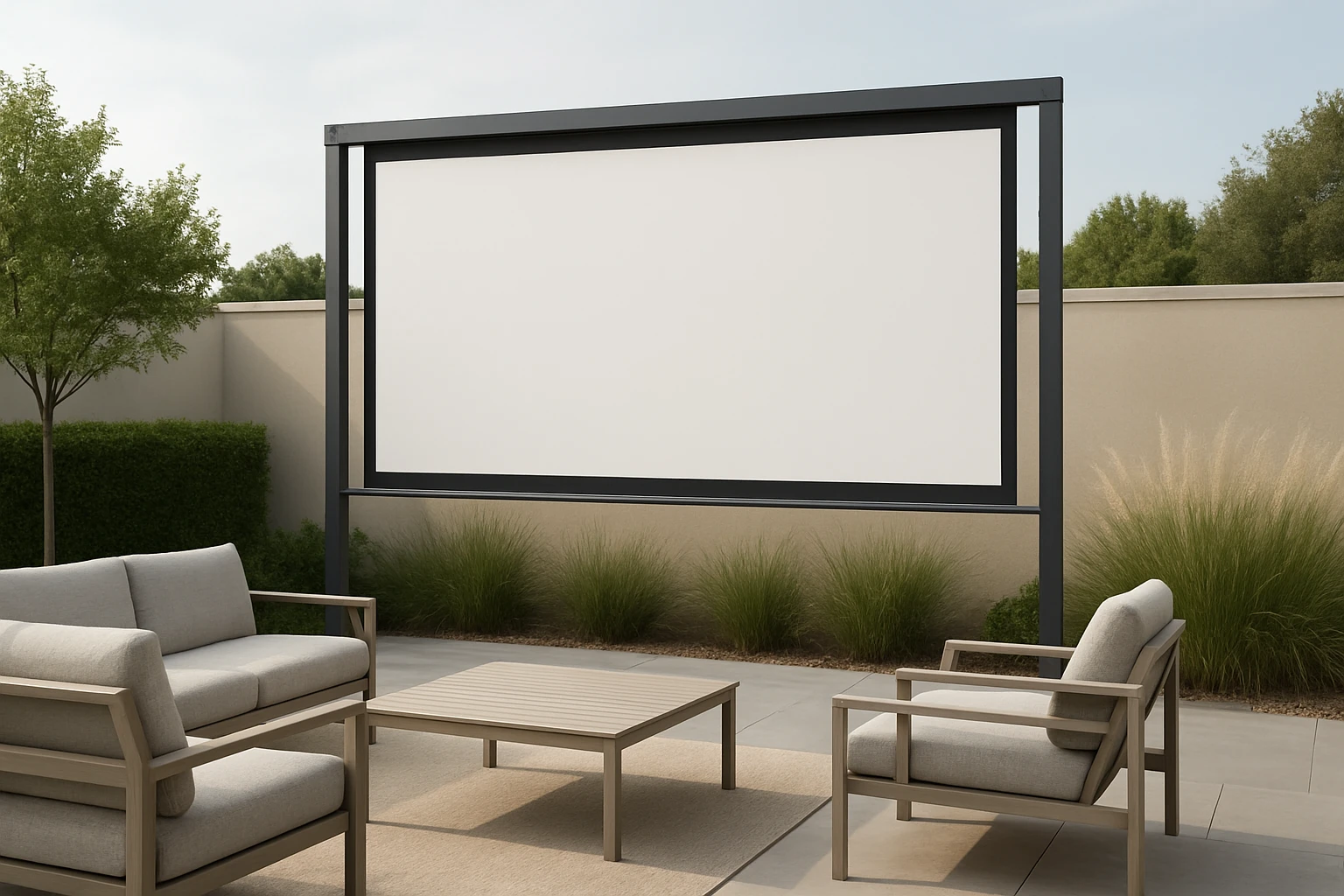
One can transform a modest backyard, patio or balcony into a private cinema without violating homeowners association (HOA) regulations. This guide explains ten stylish, rule‑compliant DIY ideas that respect noise limits, aesthetic standards and structural requirements. Readers will learn how to select appropriate screen types, construct secure mounts, protect equipment from the elements and achieve optimal image quality. By following the step‑by‑step instructions, one can enjoy outdoor movie nights while maintaining good standing with the HOA.
What You’ll Need
- Measuring tape, level and pencil for layout planning.
- Mounting hardware such as hooks, brackets, nails and double‑sided tape.
- Weather‑proof anchors, sandbags or ground stakes for stability.
- Power source with outdoor‑rated extension cord.
- Optional screen and projector tools listed in the steps below.
Recommended products are linked at their first appearance. Each product includes price, rating and key features that make it suitable for the specific step.
Step 1: Review HOA Guidelines and Site Constraints
Before any purchase, one should obtain a copy of the HOA’s exterior modification policies. Pay particular attention to restrictions on permanent structures, visible signage, height limits and allowable materials. Measure the available wall, fence or free‑standing space, noting any overhangs, power outlets and shade patterns. Document the findings in a simple sketch; this will guide the selection of a screen that fits within the permitted envelope.
Step 2: Choose a Screen Type That Matches the Space
Based on the measurements, select a screen that provides the desired viewing area without exceeding height or width limits. For a modest balcony where portability is essential, the AAJK 150‑Inch Portable Projector Screen offers a 150‑inch 16:9 format that folds flat for storage. Priced at $27.06 and rated 4.4 out of 5 stars by over 5,500 reviewers, it features a crease‑free, washable white fabric and a lightweight frame that can be mounted with hooks or double‑sided tape. The screen’s 160° wide viewing angle ensures consistent brightness across the audience area, making it an excellent choice for balconies with limited mounting points.
If a more robust, stand‑alone solution is required for a backyard patio, the ZUVMITG 120‑Inch Screen with Stand provides a reinforced steel base, wind‑proof accessories and a premium milk‑silk fabric. At $59.49 and a 4.5‑star rating from 241 reviews, it includes sandbags, ground stakes and a 160° ultra‑wide viewing angle, which together address HOA concerns about stability and visual impact. The integrated stand eliminates the need for permanent wall mounting, thereby complying with most aesthetic guidelines.
Step 3: Build a Stable Mount or Stand
When a wall‑mounted screen is permissible, construct a secure yet removable mounting system. Use stainless‑steel brackets that can be screwed into the wall without damaging siding; the brackets should be removable when the HOA requests a re‑inspection. For a freestanding screen, the STWUI 120‑Inch Projector Screen with Stand offers an all‑iron frame that is both lightweight and sturdy. Priced at $66.46 with a 4.4‑star rating from 1,218 reviewers, the stand includes an instruction manual that enables assembly in three minutes without tools. Its weighted chassis and optional fluorescent floor nail holes provide additional stability on uneven surfaces, satisfying HOA requirements for non‑permanent installations.
Secure the screen using the provided hooks, brackets or the stand’s built‑in clamps. Verify levelness with a bubble level, then tighten all fasteners to prevent wobble during wind events. Document the installation with photographs; this evidence can be useful if the HOA questions the setup.
Step 4: Install an Inflatable Screen for Large‑Scale Events
For community gatherings that require a larger visual surface, the HuaKastro 14FT Inflatable Screen delivers a 104‑inch diagonal display that inflates in minutes using an included quiet fan. At $109.99 and a 4.7‑star rating from 1,007 reviewers, it features a self‑tensioning polyester fabric that remains crease‑free and highly absorbent. The one‑piece design simplifies setup, while ground stakes and wind ropes keep the screen stable, addressing HOA concerns about wind safety.
Place the inflatable screen on a flat surface, attach the ground stakes, and inflate using the blower. Allow the fabric to tension for a few minutes before projecting. After the event, deflate, fold the screen into its tote bag and store it in a garage or shed, ensuring the installation remains temporary and does not alter the property’s permanent appearance.
Step 5: Deploy a Portable Screen for Camping or Small Balconies
When space is limited, the STWUI 120‑Inch Projector Screen with Stand can also serve as a portable solution. Its compact storage bag (7.8 × 17.7 in) fits easily in a car trunk, and the all‑iron bracket assembles without tools, making it ideal for weekend camping trips or temporary balcony use. The screen’s wash‑able milk‑silk material resists wrinkles and maintains high‑resolution image quality, even under bright daylight.
Set up the stand on a level surface, attach the screen, and adjust the height using the adjustable pole. The quick‑release clamps allow for rapid disassembly, ensuring compliance with HOA rules that prohibit permanent fixtures.
Step 6: Integrate a Compact Projector
To complete the home cinema, the TMY Mini Projector with Screen provides an 1080P full‑HD image and includes an 80‑inch foldable screen for indoor backup. Priced at $47.46 with a 4.3‑star rating from 20,276 reviews, the projector features dual‑mode Bluetooth for external speakers or standalone audio playback. Its HDMI and USB ports ensure compatibility with laptops, gaming consoles and streaming sticks, reducing the need for additional adapters.
Place the projector at a distance that yields a 100‑inch to 150‑inch image, depending on the screen selected in earlier steps. Adjust focus and keystone correction to achieve a sharp, rectangular picture. Connect a Bluetooth speaker for enhanced audio, especially when the HOA imposes strict noise limits that require lower volume levels.
Step 7: Optimize Ambient Lighting
HOA rules often restrict external lighting after certain hours; therefore, one should rely on the projector’s brightness and screen reflectivity. Use blackout curtains or portable shades to block stray sunlight during daytime screenings. For evening use, position LED strip lights behind the screen to create a subtle bias lighting effect that improves perceived contrast without violating light‑pollution rules.
Test the setup at the intended start time to ensure the image remains vivid and the ambient light does not cause wash‑out. Adjust screen position or add portable shade as needed.
Step 8: Add Weather Protection
Even in temperate climates, occasional rain or dew can damage equipment. Cover the screen with a waterproof tarp when not in use, and store the projector in a sealed case. For inflatable screens, the included wind ropes and ground stakes mitigate wind‑driven movement, while the fabric’s high absorbance prevents water pooling.
Consider a portable canopy or pop‑up tent if the HOA permits temporary structures; this provides additional protection and creates a more comfortable viewing environment for guests.
Step 9: Manage Cables Neatly
Run power and video cables through conduit or cable sleeves to avoid tripping hazards and maintain a tidy appearance. Use zip ties to secure cables to the stand or wall, keeping them out of sight. If the HOA requires a clean aesthetic, hide cables behind decorative planters or faux rocks.
Check that all connections are snug before each screening; loose cables can cause signal loss or short circuits, especially in outdoor conditions.
Step 10: Test, Calibrate and Enjoy
Conduct a full test run at the scheduled start time, verifying image geometry, focus, audio sync and stability. Make minor adjustments to screen tension, projector distance or speaker volume to achieve optimal performance. Record the settings for future reference, which simplifies setup for subsequent events and demonstrates to the HOA that the installation is well‑maintained.
Invite family and friends to experience the outdoor cinema, and gather feedback for future improvements. By following the ten steps, one can enjoy a high‑quality viewing experience that respects HOA regulations and enhances property value.
Tips & Pro Tips
- Schedule installations during HOA inspection windows to avoid disputes.
- Use a laser level for precise screen alignment, especially on sloped patios.
- Apply a non‑slip mat under freestanding stands to prevent movement on smooth surfaces.
- Store inflatable screens in a climate‑controlled area to extend fabric life.
- When using Bluetooth audio, keep the speaker within 10 feet to maintain sound fidelity.
Troubleshooting
| Problem | Possible Cause | Solution |
|---|---|---|
| Image appears blurry | Projector not at correct distance or screen not taut | Adjust projector distance according to screen size; tighten screen tension or re‑inflate inflatable screen. |
| Screen flickers in wind | Insufficient anchoring | Add extra ground stakes, sandbags or rope ties; consider a heavier chassis stand. |
| Audio distortion | Bluetooth interference or low‑quality speaker | Switch to a wired speaker via the projector’s audio out; keep Bluetooth devices away from Wi‑Fi routers. |
Conclusion
The guide has presented ten HOA‑friendly outdoor projector screen ideas that combine style, durability and compliance. By assessing HOA rules, selecting appropriate screen technology, constructing secure mounts and protecting equipment from weather, one can create a versatile backyard cinema that enhances community living. The recommended products provide reliable tools that simplify each phase of the project while remaining within reasonable budgets. One is encouraged to apply the steps, experiment with the pro tips, and share the cinematic experience with neighbors in a responsible manner.
Products Mentioned in This Guide
Frequently Asked Questions
Can I install an outdoor projector screen while staying compliant with HOA regulations?
Yes, by reviewing HOA guidelines first, choosing low‑profile or neutral‑colored screens, and using approved mounting methods you can avoid violations.
What type of screen material works best for HOA‑friendly outdoor setups?
A matte white or light‑gray fabric that blends with the fence or deck and resists glare is ideal and usually meets aesthetic standards.
How can I secure the projector screen without damaging the property?
Use weather‑proof anchors, sandbags, or ground stakes that are removable and avoid permanent fixtures that the HOA might prohibit.
Do I need a special power source for an outdoor projector?
A standard outdoor‑rated extension cord plugged into a GFCI‑protected outlet is sufficient, provided the cord is concealed or routed neatly.
What noise‑level precautions should I take for outdoor movie nights?
Choose a projector with a low‑decibel fan, keep volume at a neighbor‑friendly level, and consider adding soft‑sided blankets or a portable sound barrier to contain sound.