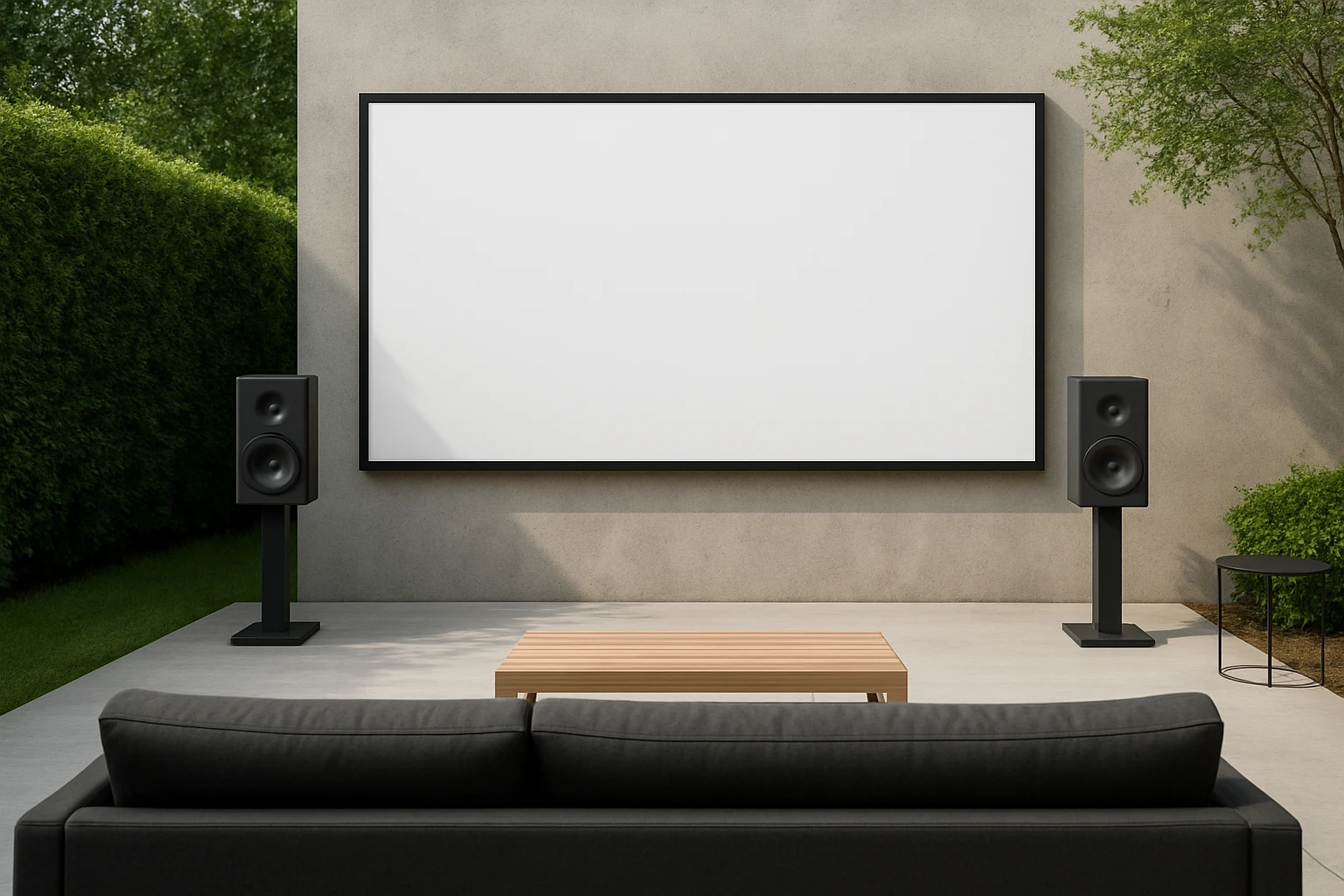
How to Calculate Speaker Placement and Delay for Large Backyard Screenings: A Step-by-Step Guide to Perfect Outdoor Sound
Introduction
One will discover the systematic approach required to achieve balanced audio across a spacious backyard cinema. The guide explains how to measure distances, calculate delay times, and position speakers for optimal coverage. It also highlights the importance of weather‑proof equipment and power management for extended outdoor use. By following the instructions, one can transform a casual gathering into a professional‑grade audiovisual experience.
What You'll Need
- Measuring tape or laser distance meter
- Smartphone or tablet with a delay calculator app
- Speaker mounting brackets or stands
- Power source with adequate capacity (portable generator or battery bank)
- Weather‑resistant speaker cables
- One or more of the recommended speakers for outdoor deployment
Step 1: Assess the Viewing Area
Begin by sketching a scaled diagram of the backyard, indicating the screen location, seating rows, and any obstacles such as trees or fences. Measure the distance from the screen to the front row and from the front row to the farthest seat; these values define the total coverage radius. Record the measurements in meters, as most delay calculators accept metric units. This information will serve as the foundation for speaker spacing and delay calculations.
Step 2: Choose the Appropriate Speakers
For medium‑size backyard screenings, the Soundcore Boom 2 offers 80 W of peak power, IPX7 waterproof protection, and a 24‑hour battery life, making it suitable for evening events. Priced at $89.99 with a 4.7‑star rating, it provides a balanced 2.1 stereo soundstage and includes a built‑in power bank for charging mobile devices. If budget constraints require a more economical option, the BolaButty Portable BT Speaker delivers up to 20 hours of playtime, IPX5 water resistance, and vibrant light effects for visual flair. At $21.99 and a 4.5‑star rating, it serves as a reliable secondary speaker for surround enhancement. For permanent installations, the Pyle Dual Waterproof Outdoor Speakers provide 300 W total power, weather‑proof grills, and universal mounting options, ideal for wall or ceiling placement. Finally, for events that require a public address system, the Pyle Portable Bluetooth PA Speaker supplies 1000 W peak output, built‑in microphones, and rolling wheels for easy transport, priced at $234.99 with a 4.1‑star rating.
Step 3: Determine Speaker Quantity and Layout
Calculate the number of speakers needed by dividing the total coverage radius by the effective range of the chosen speaker model. The Boom 2 provides an effective stereo radius of approximately 15 meters; therefore, a backyard with a 30‑meter radius will require at least two Boom 2 units positioned left and right of the screen. The Pyle Dual speakers, being wall‑mounted, can cover a larger area with a single pair placed on opposite walls. Ensure that each speaker is elevated at ear level for seated viewers, typically 1.2 to 1.5 meters above the ground.
Step 4: Calculate Audio Delay
Audio delay compensates for the time difference between the visual image and the sound reaching the farthest seat. Use the formula Delay (ms) = (Distance (m) ÷ Speed of Sound (≈343 m/s)) × 1000. For a 30‑meter distance, the delay equals (30 ÷ 343) × 1000 ≈ 87 ms. Input this value into the delay settings of each speaker, if the model supports it, or use an external digital delay processor. The Boom 2 includes a customizable pro EQ but does not have built‑in delay; a simple Bluetooth delay app on the controlling device can introduce the required offset. The Pyle PA system features built‑in delay controls accessible via its LCD interface.
Step 5: Mount and Secure the Speakers
Attach the speakers to sturdy brackets or stands using the mounting hardware supplied with each product. The Pyle Dual speakers feature quick‑connect terminals and a spring‑loaded mounting plate that allows horizontal or vertical installation; ensure the grill remains unobstructed for optimal sound dispersion. For portable units such as the Boom 2 or BolaButty speaker, place them on stable tables or use the built‑in handles to position them on tripods. Verify that all cables are routed away from foot traffic and protected with waterproof sleeves.
Step 6: Connect Power and Test Signal Flow
Connect each speaker to a reliable power source. The Boom 2 includes a USB‑C charging port and can operate for up to 24 hours on a single charge; a portable power bank rated at 20 Ah will comfortably sustain multiple units. The Pyle PA speaker requires mains power; a generator with a clean sine wave output prevents interference. Once power is supplied, pair each Bluetooth speaker with the controlling device, ensuring a stable connection before playback begins.
Step 7: Fine‑Tune EQ and Volume Levels
Adjust the equalization settings to match the acoustic characteristics of the outdoor environment. The Boom 2’s BassUp 2.0 allows the user to increase low‑frequency output up to 80 W, which can compensate for sound absorption by grass or foliage. The BolaButty speaker provides a dual‑driver design that delivers balanced mids and highs; use the app‑based EQ to avoid excessive bass that could cause distortion. For the Pyle Dual speakers, set the crossover frequency to around 120 Hz to ensure a smooth transition between the woofer and tweeter.
Step 8: Conduct a Full‑Scale Test Run
Play a test video with a dynamic soundtrack and walk the entire seating area, listening for timing mismatches or volume inconsistencies. If the sound arrives earlier at the front rows, increase the delay value incrementally until synchronization is achieved. Adjust individual speaker volumes to maintain a consistent SPL (sound pressure level) of approximately 85 dB at the farthest seat, which is comfortable for prolonged listening.
Tips & Pro Tips
- Use a laser distance meter for rapid and precise measurements; small errors can translate into noticeable audio lag.
- When using multiple Bluetooth speakers, enable PartyCast or TWS pairing modes to synchronize playback and reduce latency.
- Apply a weather‑proof cover to any wired connections, even if the speakers themselves are rated IPX7 or IPX5.
- Consider a portable solar panel to recharge battery‑powered speakers during daytime events, extending operational time without a generator.
- For large gatherings, stagger the speakers slightly behind the screen to create a natural soundstage and reduce direct reflections.
Troubleshooting
Problem: Audio delay is inconsistent across speakers.
Solution: Verify that each speaker is receiving the same Bluetooth signal strength; weak signals can cause variable latency. Use a dedicated Bluetooth transmitter with low‑latency codec (aptX‑LL) to standardize timing.
Problem: Speakers cut out when volume is high.
Solution: Check the power supply capacity; portable batteries may sag under high load. Upgrade to a higher‑amp power bank or connect the Boom 2 to mains power via a USB‑AC adapter.
Conclusion
One now possesses a clear methodology for measuring, positioning, and delaying speakers to deliver flawless sound for backyard screenings. By selecting weather‑resistant equipment such as the Soundcore Boom 2, BolaButty Portable BT Speaker, Pyle Dual Waterproof Outdoor Speakers, or Pyle Portable Bluetooth PA Speaker, the user ensures reliability under diverse outdoor conditions. Applying the delay calculations, mounting techniques, and fine‑tuning steps described herein will result in an immersive cinematic experience for every guest. The reader is encouraged to experiment with speaker spacing and delay values to tailor the sound field to the unique characteristics of their own backyard.
Products Mentioned in This Guide
Frequently Asked Questions
How do I calculate the audio delay for speakers in a backyard cinema?
Measure the distance from each speaker to the listening area, divide by the speed of sound (≈343 m/s), and set the delay in milliseconds accordingly.
What distance measurement tools are best for planning speaker placement?
A laser distance meter provides quick, accurate readings, while a sturdy measuring tape works well for longer runs.
How far should speakers be spaced to ensure even coverage in a large backyard?
Space speakers so their coverage circles overlap by 10‑20%, typically 10‑15 feet apart depending on the speaker’s dispersion pattern.
What type of power source is recommended for outdoor screenings?
Use a portable generator or high‑capacity battery bank with surge protection to handle peak amp draws safely.
How can I protect my speakers and cables from weather during outdoor events?
Choose weather‑resistant speakers, use waterproof cable jackets, and cover connections with silicone‑filled heat‑shrink tubing.