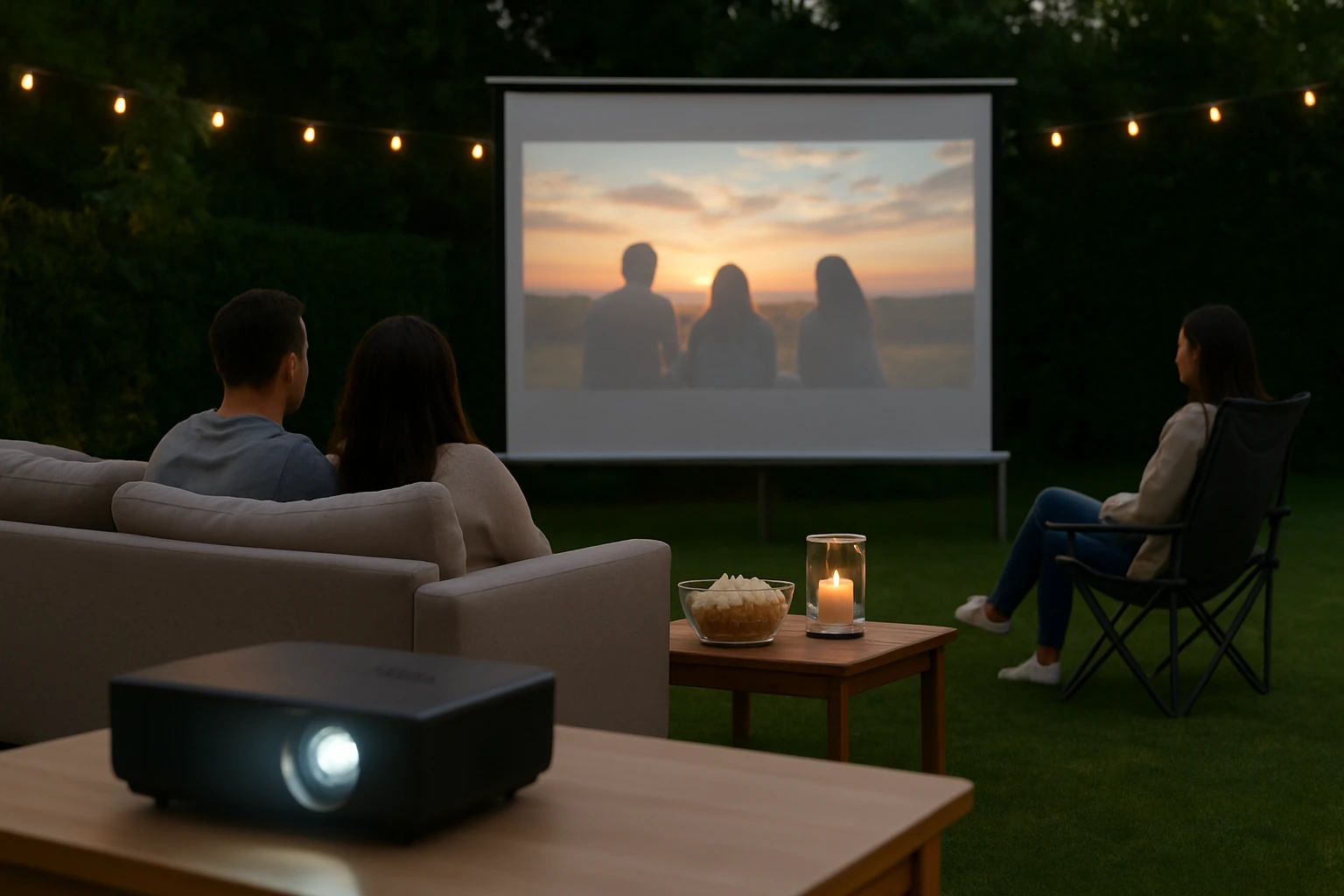
The Ultimate Guide to Insurance Liability for Backyard Movie Nights: How Hosts Can Protect Themselves and Their Guests
Introduction
Backyard movie nights have become a popular way to gather friends and family while enjoying cinematic experiences under the stars. This guide explains the legal responsibilities that hosts assume, the types of insurance that can mitigate risk, and practical steps to create a safe environment. Readers will learn how to assess liability exposure, select appropriate coverage, and incorporate equipment that enhances safety without compromising enjoyment. By following the recommendations, hosts can host memorable events while protecting their assets and guests.
Background and Context
Liability law varies by jurisdiction, but the fundamental principle is that a property owner may be held responsible for injuries that occur on their premises if negligence can be demonstrated. Common hazards at outdoor screenings include tripping over cables, equipment collapse, and fire hazards associated with projectors or lighting. In addition, copyright considerations may arise when public performances are not properly licensed, which can lead to legal claims. Understanding these risks provides the foundation for selecting insurance policies and safety measures that reduce exposure.
Understanding Liability Risks
Three primary categories of risk affect backyard movie events: personal injury, property damage, and intellectual property infringement. Personal injury claims often stem from slips, falls, or equipment failure, and they can result in costly medical expenses and legal fees. Property damage may involve damage to the host's home, neighboring structures, or rented equipment, leading to repair costs or replacement expenses. Intellectual property infringement occurs when copyrighted films are shown without proper public performance licensing, exposing the host to statutory damages. Mitigating each category requires a combination of insurance coverage, safety planning, and compliance with licensing requirements.
Insurance Options for Hosts
Hosts should consider two main types of coverage: homeowners or renters liability insurance and a separate event liability policy. Homeowners policies typically include personal liability protection for accidents that occur on the property, but the coverage limits may be insufficient for larger gatherings. An event liability policy, often called a special event insurance, can provide higher limits, coverage for equipment rental, and protection against cancellation costs. When evaluating policies, pay attention to exclusions related to outdoor equipment, alcohol service, and the maximum number of attendees.
- Check the policy limit; a minimum of $1,000,000 per occurrence is recommended for public gatherings.
- Confirm that the policy covers temporary structures such as projector screens and inflatable screens.
- Verify whether the insurer requires a safety plan or permits for outdoor events.
Product Recommendations for Safe Set‑up
Choosing reliable projection equipment can reduce the likelihood of accidents caused by equipment failure. The TOWOND 150‑Inch Projector Screen offers a sturdy fold‑able stand, anti‑crease polyester material, and a weight of only 11.5 pounds, making it easy to transport and set up without tools. Its 160° viewing angle and support for both front and rear projection provide flexibility while minimizing the need for additional rigging. The screen includes ground nails and ropes for secure anchoring, which is essential when wind is a factor.
The XHYCPY 16ft Inflatable Movie Screen is ideal for larger gatherings because it inflates in approximately two minutes and remains stable when the included blower operates continuously. Its thickened polyester surface reduces color distortion, and the 210D oxford frame resists fading, ensuring durability over multiple seasons. The screen’s tie‑downs, stakes, and ropes allow hosts to secure it firmly to the ground, mitigating the risk of collapse during windy conditions.
For hosts who require a portable projection source, the iSinbox 4K Portable Smart Projector combines high brightness (2000 ANSI lumens) with built‑in streaming apps, eliminating the need for external devices that could introduce additional cords. Its 360° adjustable stand and AI autofocus reduce setup time and ensure a correctly aligned image, which helps avoid glare and stray cables that could become tripping hazards. Weighing only three pounds, the projector can be positioned on a stable table or tripod, further decreasing the chance of accidental falls.
Comparison and Selection Guide
The following table compares the three featured products across key criteria that influence liability risk and user experience.
| Feature | TOWOND 150‑Inch Screen | XHYCPY 16ft Inflatable Screen | iSinbox 4K Smart Projector |
|---|---|---|---|
| Screen Size | 150 inches (diagonal) | 16 feet (approx. 192 inches) diagonal | Variable, dependent on throw distance |
| Portability | 11.5 lb with carry bag | Includes blower and carry bag, heavier when inflated | 3 lb, ultra‑portable |
| Setup Time | ≈2 minutes (stand assembly) | ≈2 minutes (inflation) plus blower operation | ≈30 seconds (auto‑focus) |
| Viewing Angle | 160° | 160° | Depends on projector lens |
| Projection Type | Front & rear compatible | Front & rear compatible | Front projection only |
| Price (USD) | $99.98 | $98.99 | $179.99 |
| Customer Rating | 4.3/5 (2,182 reviews) | 4.6/5 (2,074 reviews) | 4.6/5 (353 reviews) |
Hosts who prioritize a large viewing surface and rapid deployment should consider the XHYCPY Inflatable Screen, especially for events with more than 50 attendees. Those who need a versatile, lightweight solution for both indoor and outdoor use may prefer the TOWOND Screen, which can be stored in a car trunk and set up without electricity. The iSinbox Smart Projector is best suited for hosts who wish to eliminate external media devices and benefit from built‑in streaming, while still maintaining a compact footprint.
Best Practices and Tips
- Conduct a site inspection at least 48 hours before the event to identify uneven ground, low‑lying wires, and potential fire hazards.
- Secure all cables with cable covers or tape, and route power cords away from walkways to prevent tripping.
- Anchor inflatable or frame‑based screens using the provided ground nails, stakes, and ropes; verify anchor points are firm before inflation.
- Maintain a clear evacuation route and keep a fire extinguisher rated for electrical fires within easy reach.
- Obtain a public performance license for any copyrighted film, or use royalty‑free content to avoid infringement claims.
- Document the safety plan, including equipment specifications, insurance certificates, and emergency contacts, and share it with all volunteers.
- Limit alcohol service or ensure that a licensed vendor provides it, as many liability policies exclude incidents related to alcohol consumption.
Frequently Asked Questions
1. Do I need a separate insurance policy for a backyard movie night?
Homeowners liability coverage may be sufficient for small gatherings of fewer than ten people, but larger events typically require a special event liability policy to obtain higher limits and coverage for equipment rental.
2. Can I use my existing home Wi‑Fi to stream movies on the projector?
Yes, the iSinbox Smart Projector supports Wi‑Fi 6 with speeds up to 9.6 Gbps, allowing smooth streaming of high‑definition content provided the network can handle the bandwidth.
3. How can I protect the screen from wind damage?
Both the TOWOND and XHYCPY screens include anchoring hardware; ensure that ground nails are driven at a 45‑degree angle and that ropes are taut to resist gusts.
4. What is the typical cost of a public performance license?
Licensing fees vary by film and distributor, but many titles are available for a flat fee ranging from $50 to $150 for a single evening showing.
5. Are there any restrictions on using inflatable screens indoors?
Inflatable screens require continuous blower operation to remain inflated; using them indoors may increase noise levels and require adequate ventilation for the blower’s heat output.
6. Does the iSinbox projector support Dolby Atmos audio?
The projector includes Dolby‑certified speakers and eARC support for lossless audio, but full Dolby Atmos playback requires compatible external speakers.
7. How many guests can a 150‑inch screen comfortably accommodate?
For optimal viewing distance, guests should sit at least 1.5 to 2 times the screen height away; a 150‑inch screen typically supports 30 to 40 seated guests in a backyard setting.
Conclusion
Backyard movie nights can be a delightful way to bring communities together, yet they also introduce liability considerations that must be addressed proactively. By securing appropriate insurance, implementing thorough safety measures, and selecting reliable equipment, hosts can enjoy peace of mind while delivering high‑quality entertainment. The strategies outlined in this guide empower hosts to balance creativity with responsibility, ensuring that every screening is both enjoyable and legally sound.
Products Featured in This Guide
TOWOND 150‑Inch Projector Screen
Price: $99.98 | Rating: 4.3/5 (2,182 reviews)
Featured because it provides a lightweight, easy‑to‑assemble screen with anti‑crease material and secure anchoring, reducing tripping and collapse hazards.
XHYCPY 16ft Inflatable Movie Screen
Price: $98.99 | Rating: 4.6/5 (2,074 reviews)
Featured because its rapid inflation, wind‑resistant anchoring system, and dual‑projection capability make it ideal for larger outdoor gatherings.
iSinbox 4K Portable Smart Projector
Price: $179.99 | Rating: 4.6/5 (353 reviews)
Featured because its high brightness, built‑in streaming apps, and auto‑adjusting stand minimize cable clutter and setup errors that could lead to liability claims.